Excel + Google Sheets
Weight Loss Tracker
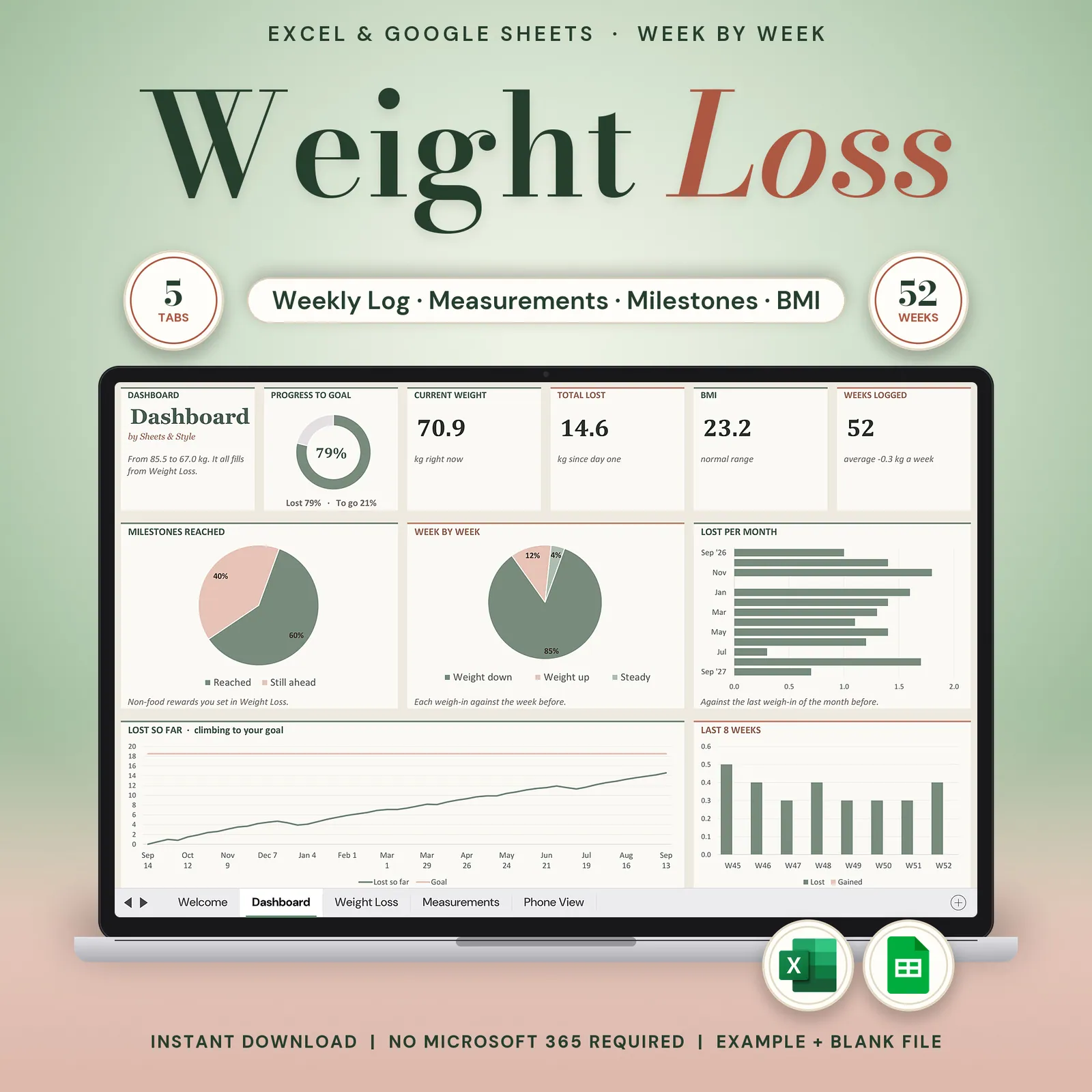
Track the data, not the guilt. Type your weigh-in; the chart, the trend line, the BMI and the milestones take care of themselves, and a bad week is drawn in soft peach, never red.
Coming to Etsy this week
Instant download on Etsy: Excel files plus a link to your own Google Sheets copy.
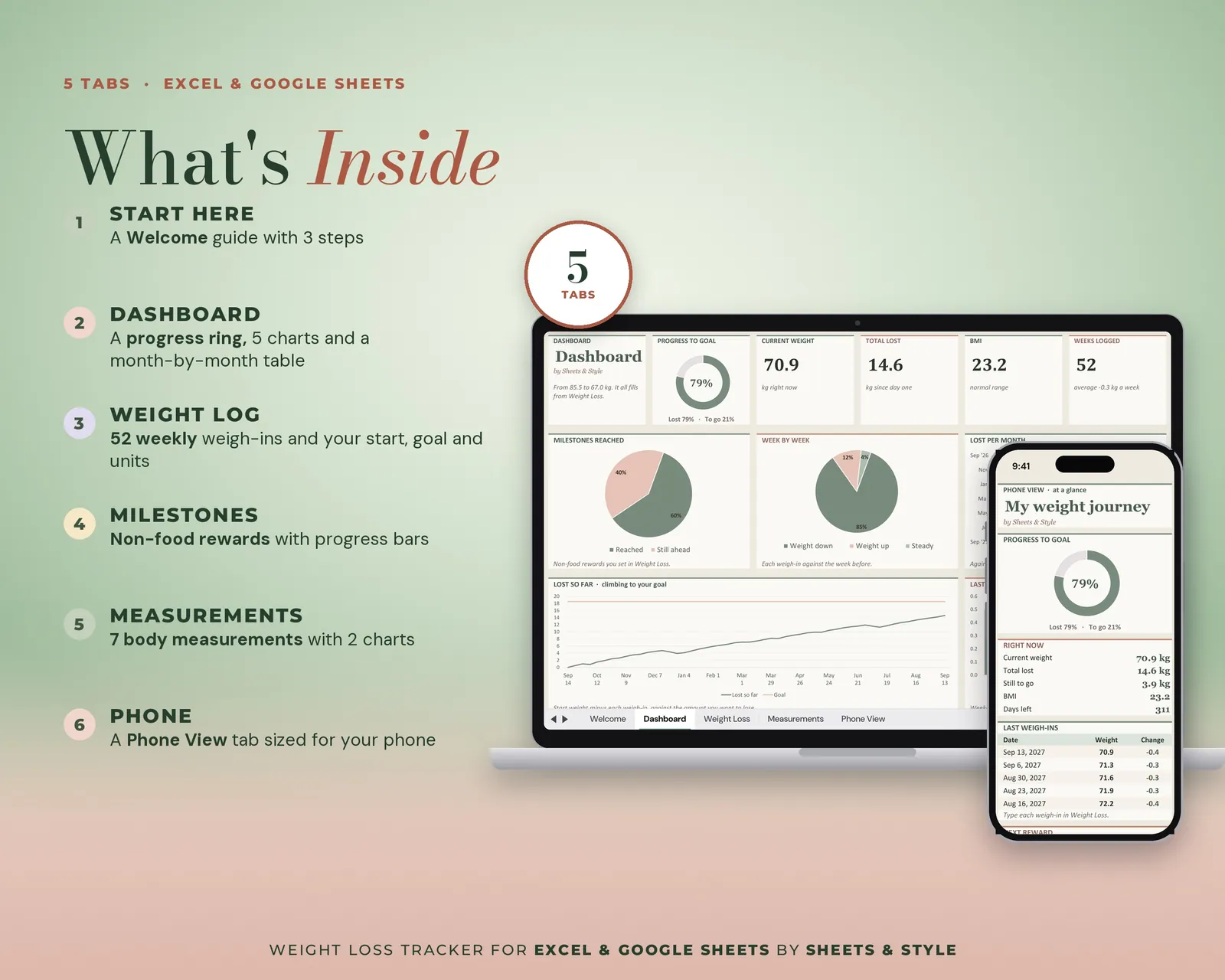
What’s inside · 6 tabs
- Read Me: A 3-step setup, the block legend and support links
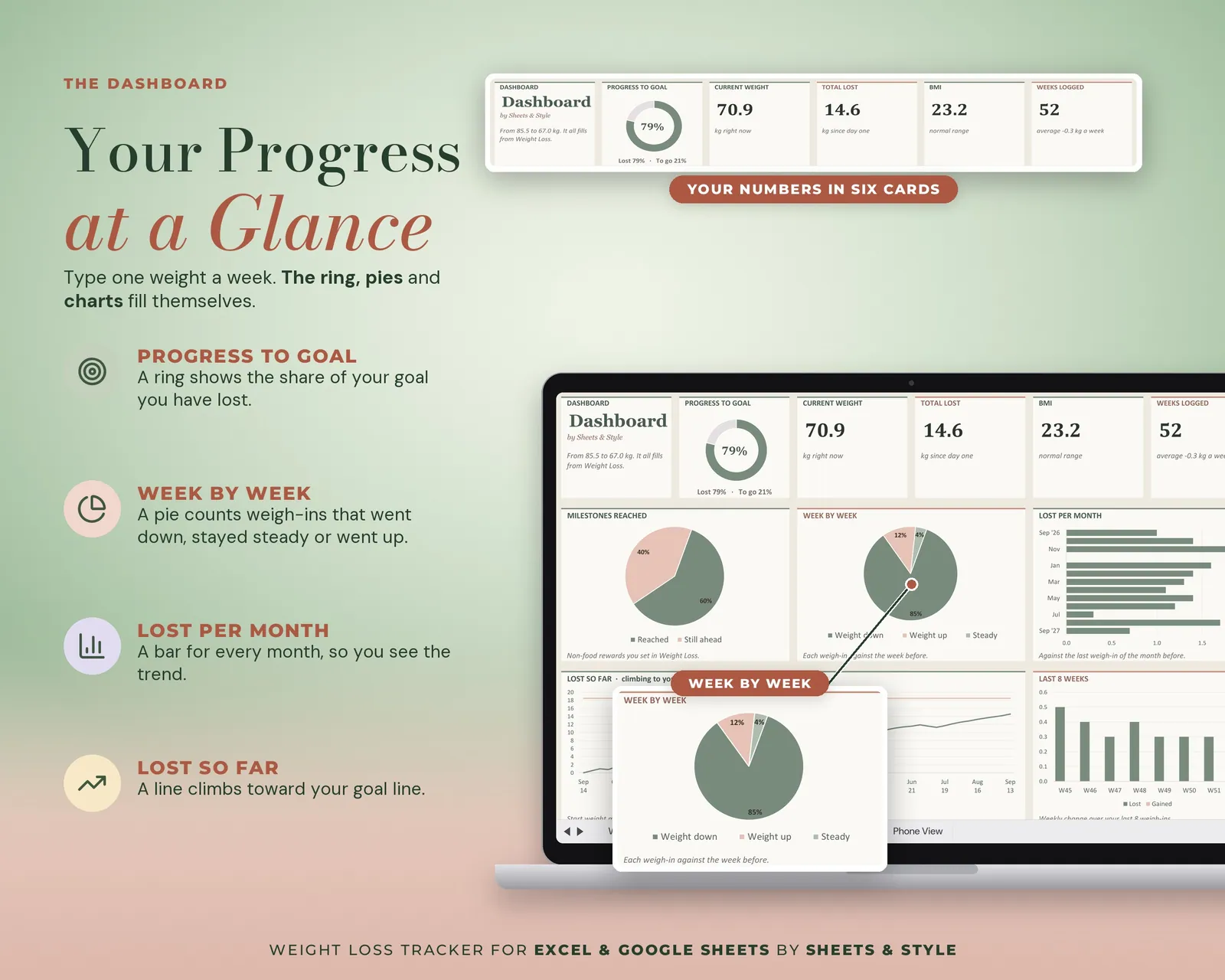
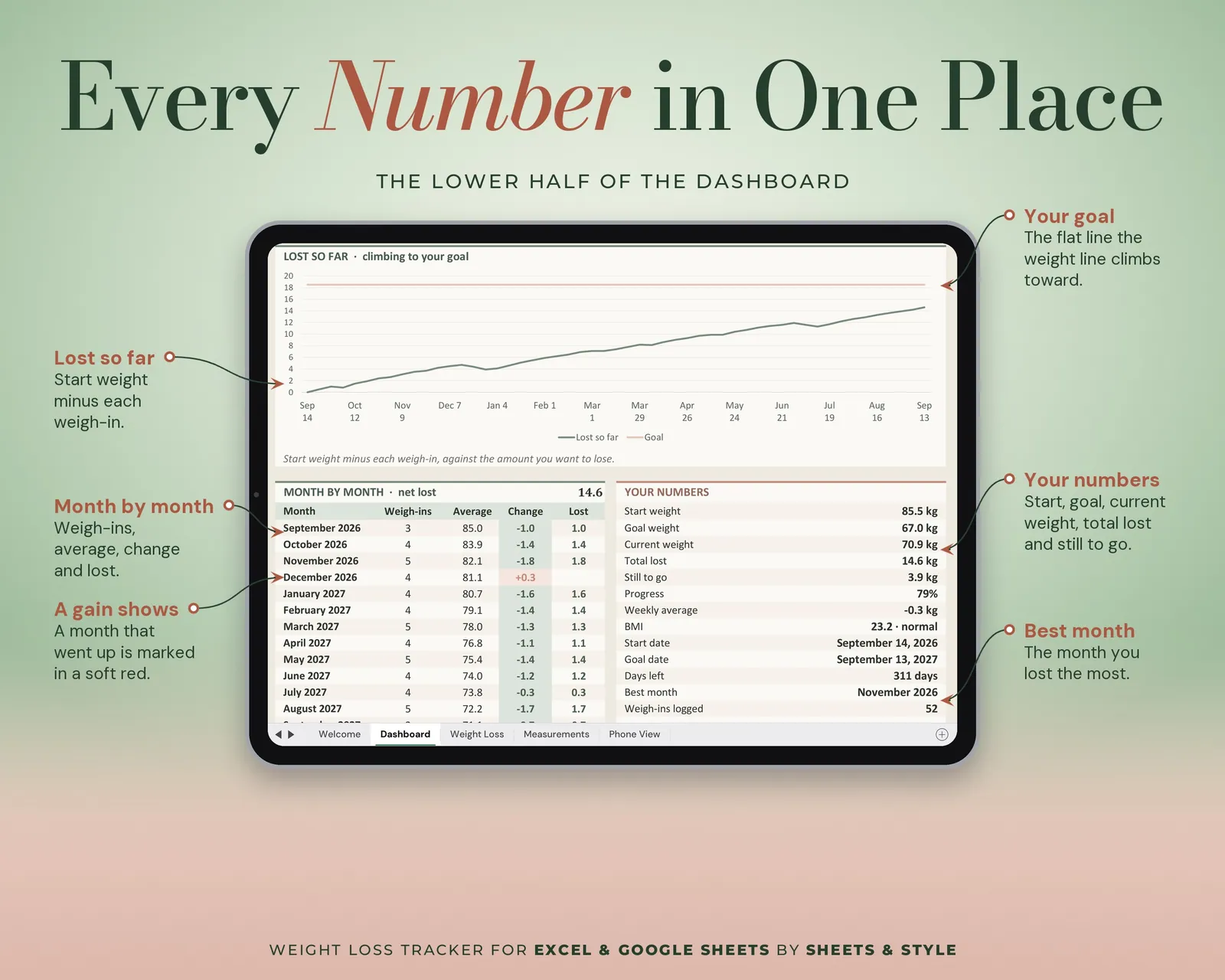
- Progress Dashboard: Big KPI cards, donut and bar charts of your progress to goal
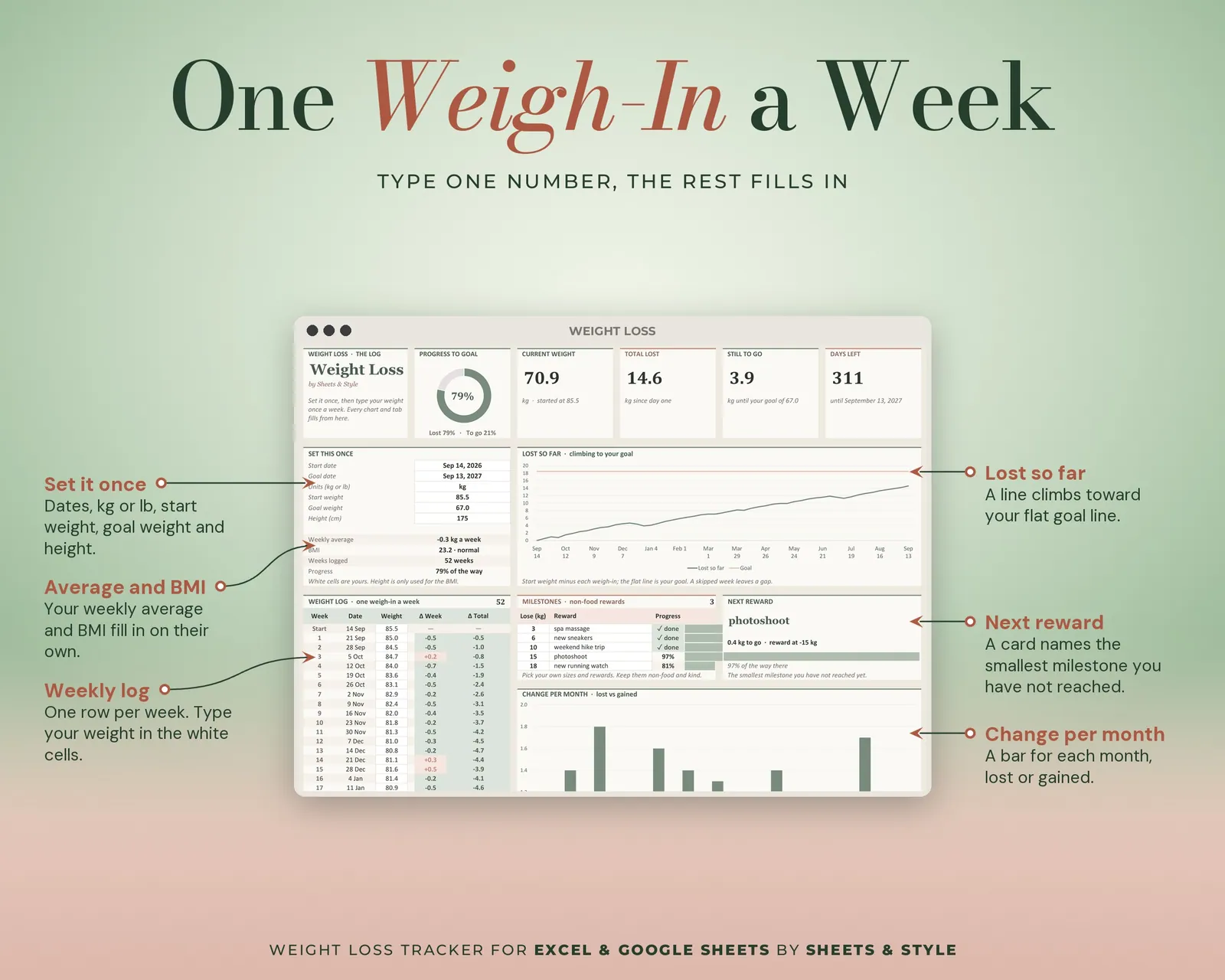
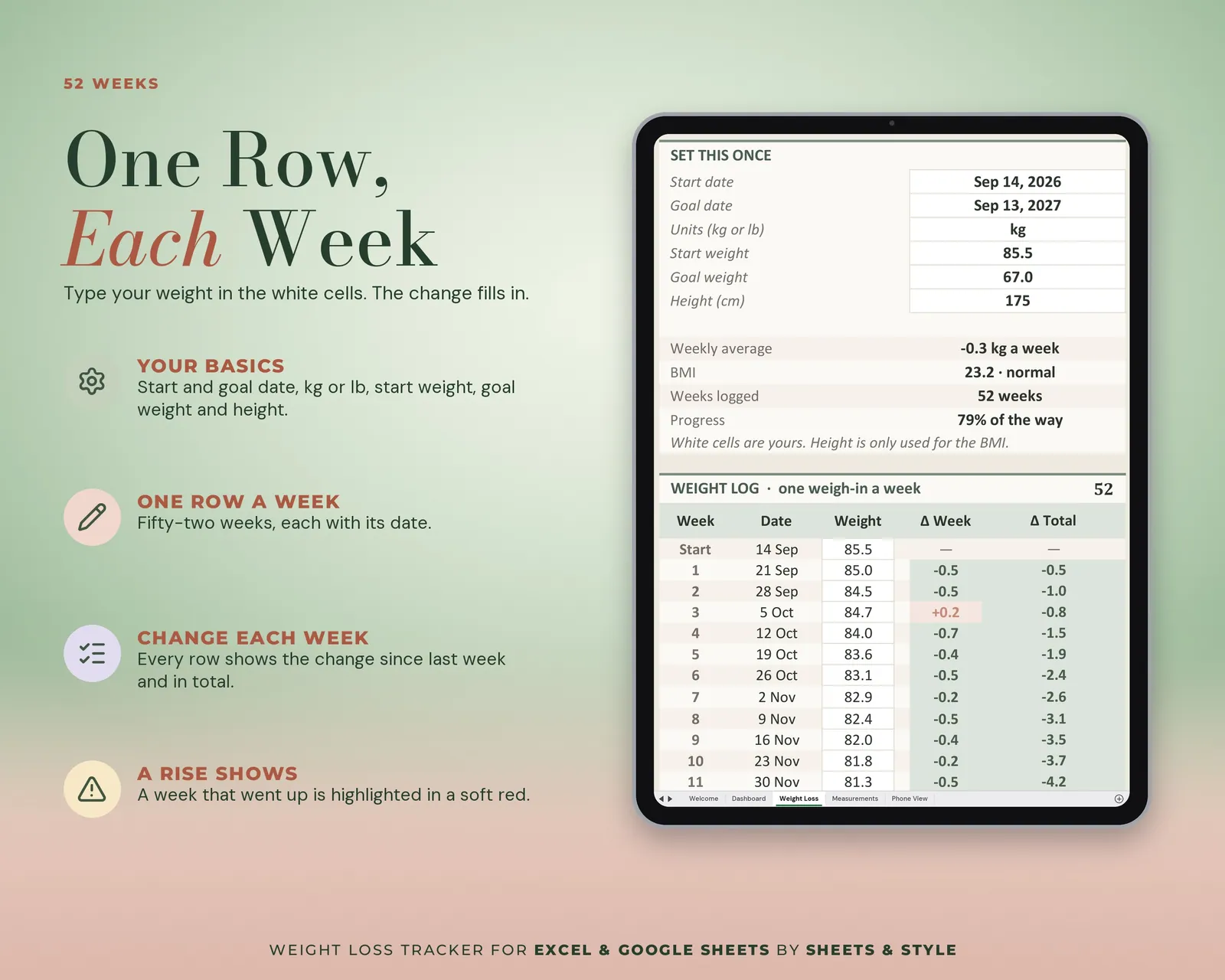
- Weight Loss: Start weight, goal weight, dates and units set once; then weekly weigh-ins with weekly change, total change and progress filling in automatically. Includes your weight-vs-goal chart, automatic BMI and a Milestones section for non-food rewards.
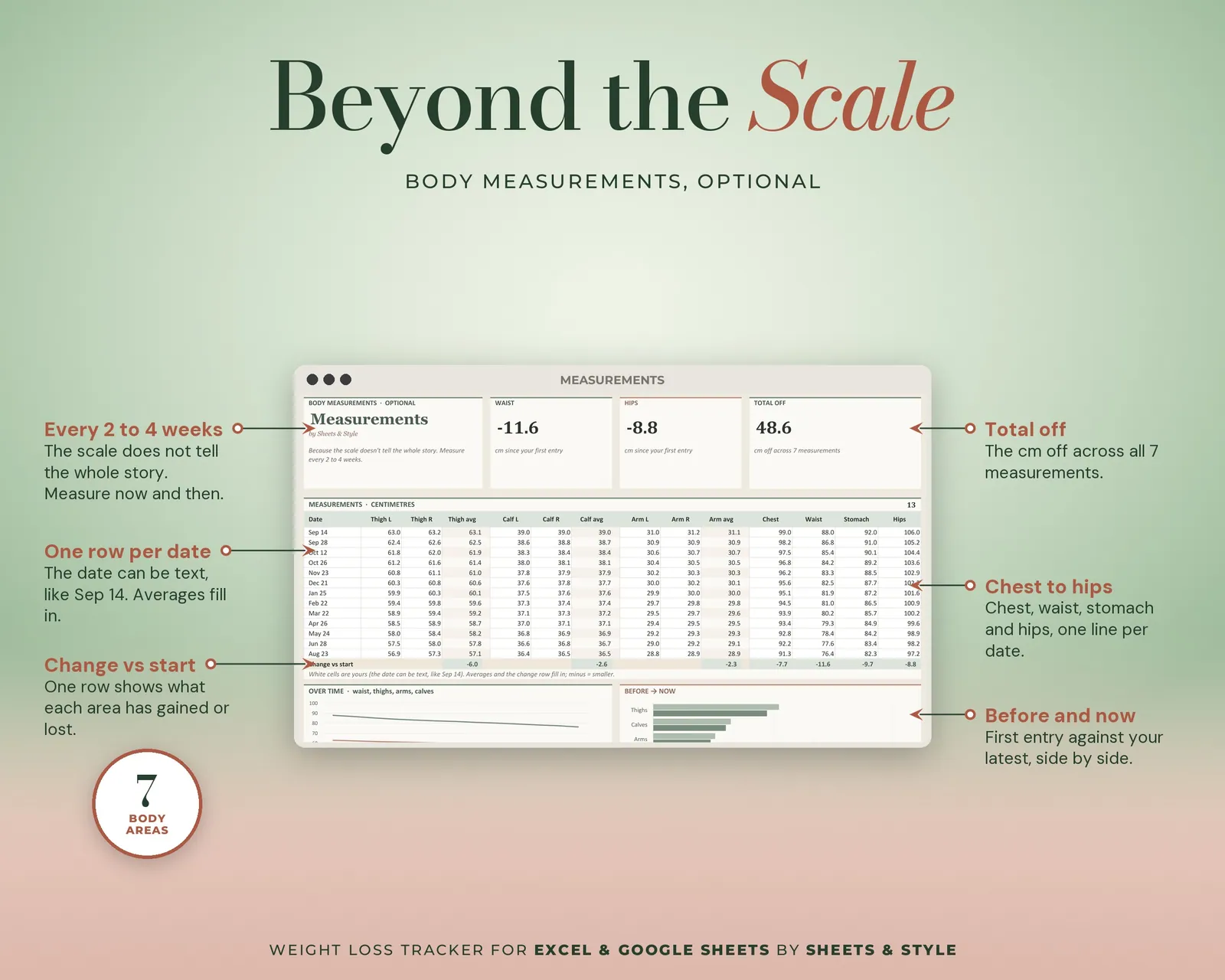
- Measurements: Optional. Thighs, calves and arms (left, right, average), plus chest, waist, stomach and hips, with a measurements-over-time chart
- Dashboard: Total lost, distance to goal, logging streak, weight trend vs goal and a weekly loss chart
- 06 A lists tab that holds your dropdown options
Features
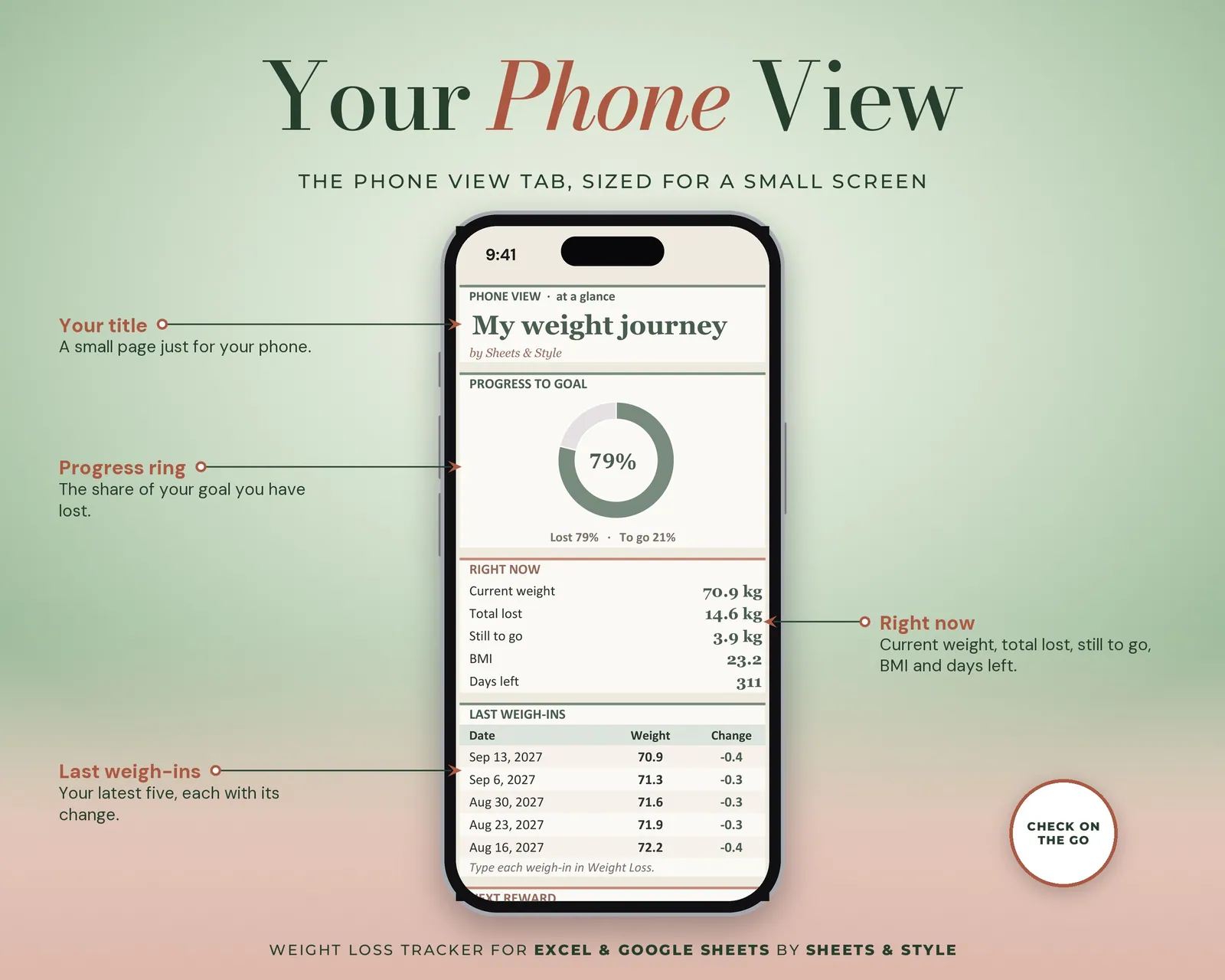
- Visual Progress Dashboard tab: big KPI cards (progress to goal, current weight, total lost, still to go, BMI), donut and bar charts that update from your weigh-ins
- Kilograms or pounds, centimetres or inches: pick once, everything follows
- Automatic BMI from your height, updated with every entry
- Milestones you choose (a massage, new shoes: not food) tied to real numbers
- Measurements are optional; weight logging works perfectly on its own
- Filled EXAMPLE workbook + clean BLANK workbook included
- Excel AND Google Sheets versions, both in this listing
- Every formula tested before publishing
You’ll need
- Microsoft Excel 2016 or newer (desktop; Microsoft 365 not required) or a free Google account for the Google Sheets version, handy for logging from your phone on weigh-in day.
- Best on desktop or laptop.
More in Lifestyle trackers