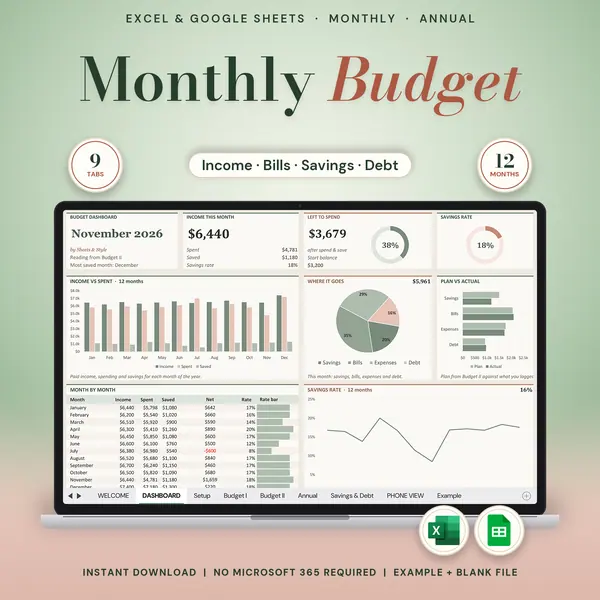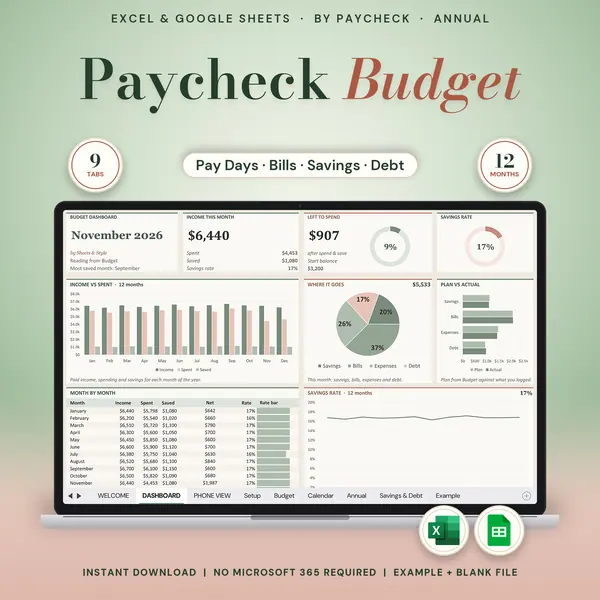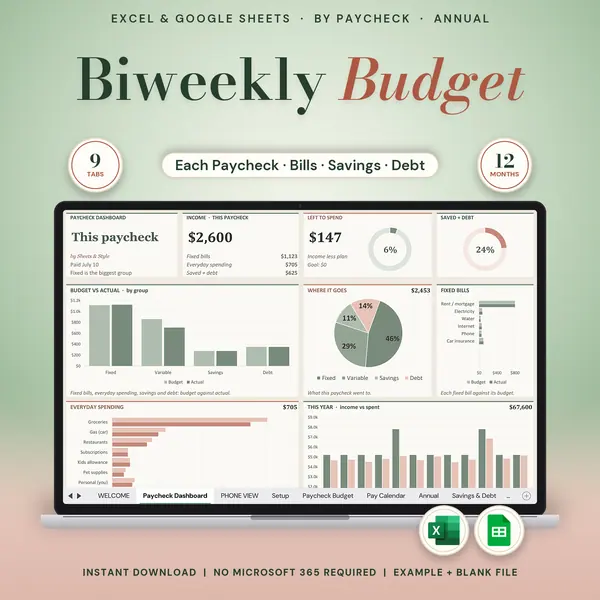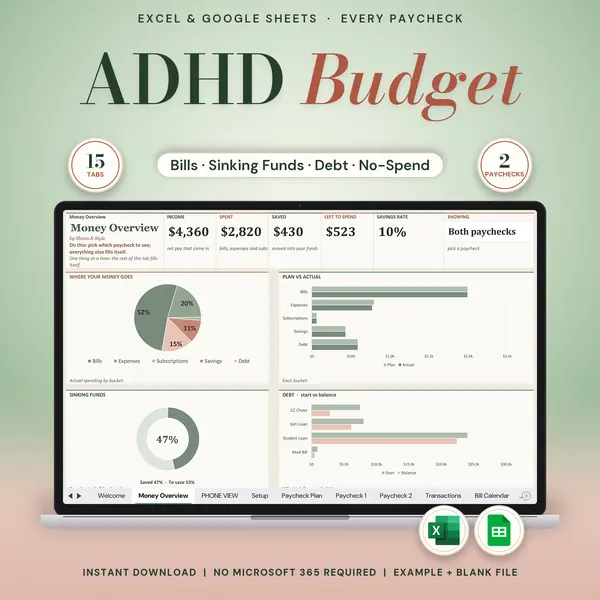
Excel + Google Sheets
Couples Budget
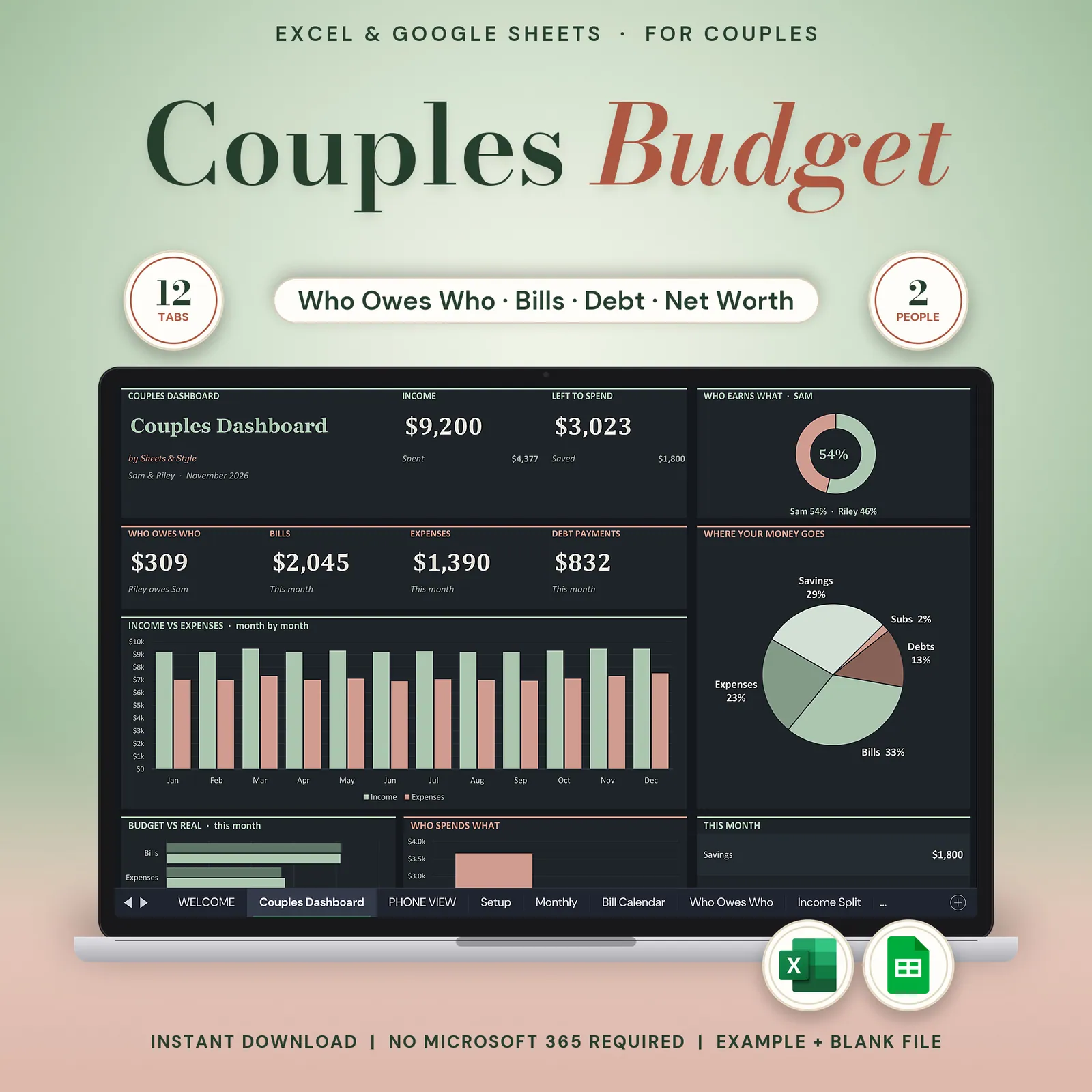
Couples budget spreadsheet in dark mode for Google Sheets and Excel: track shared expenses, split bills by income, see who pays what and plan your joint budget together.
The "so… who's paying for what?" conversation, settled in one spreadsheet. See what share of the income each of you brings, track who owes who at the end of the month, and look at the same numbers together, on a dark screen that's easy on both your eyes.
Coming to Etsy this week
Instant download on Etsy: Excel files plus a link to your own Google Sheets copy.
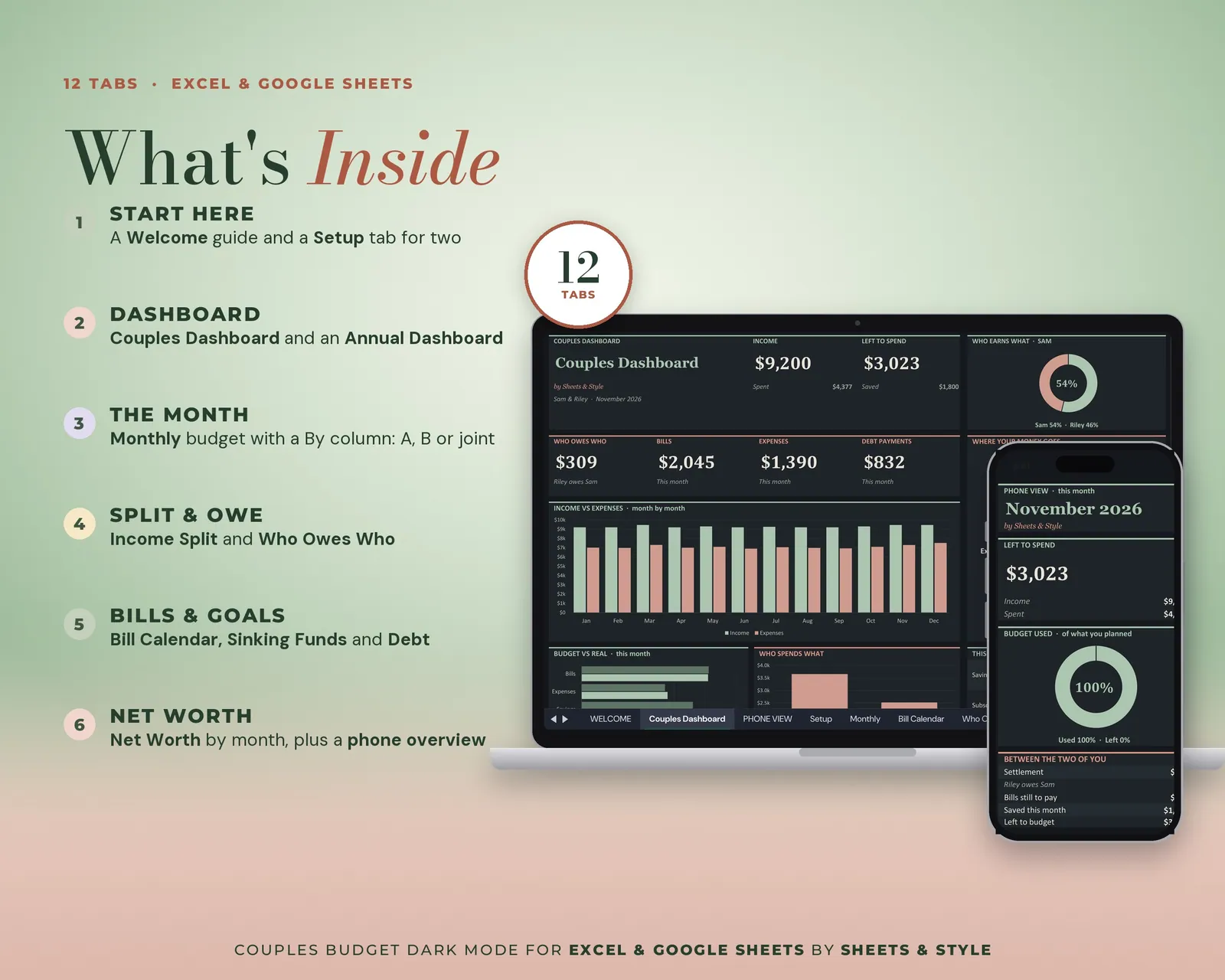
What’s inside · 11 tabs
- Welcome: Quick start for both of you
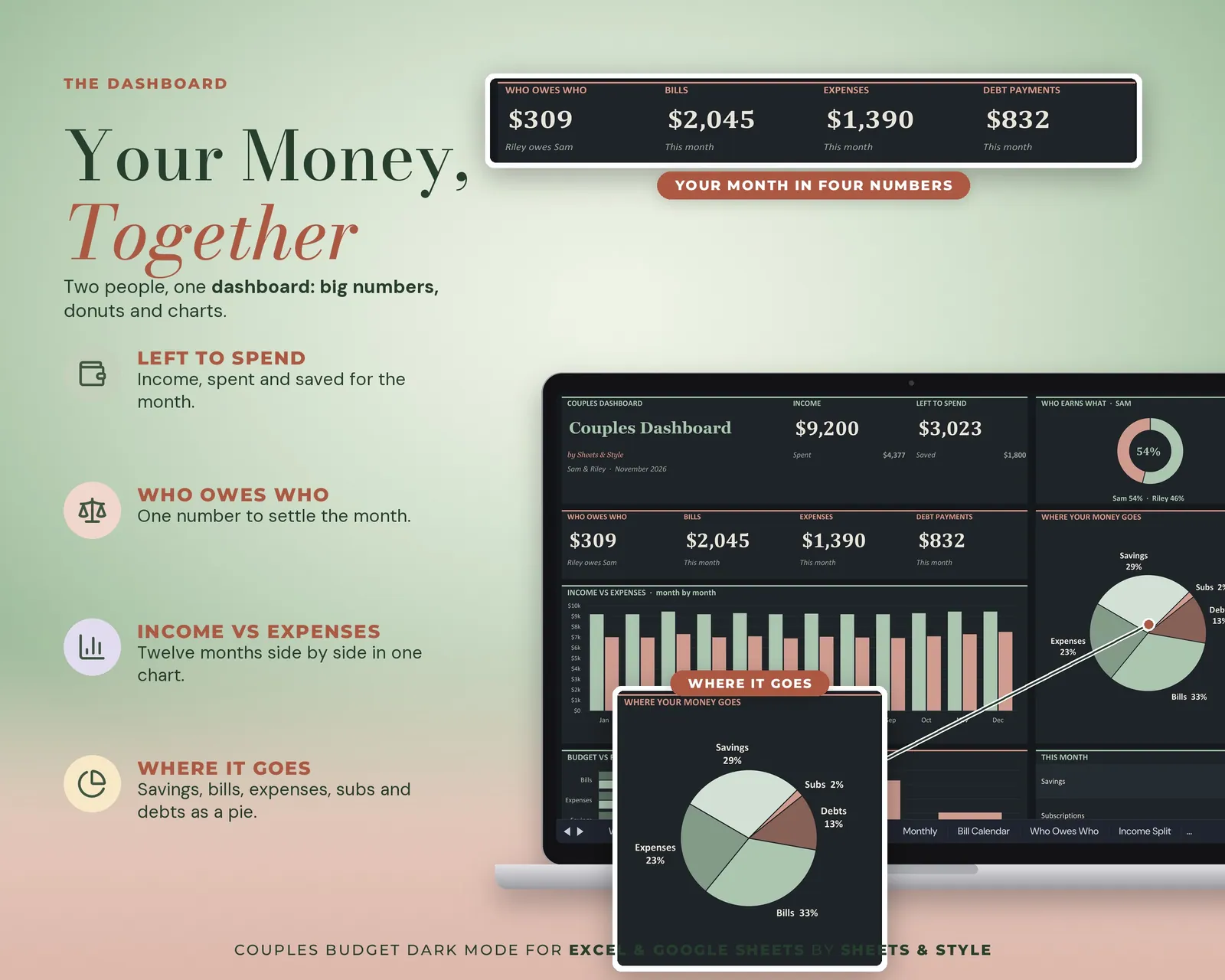
- Couples Dashboard: Both partners' numbers at a glance. Big KPI cards, who earns and spends what, and monthly charts
- Setup: Both names, month and year, starting balance, how you split shared costs (proportional to income, 50/50 or your own %) and your lists of income, bills, subscriptions, debt, savings and expenses
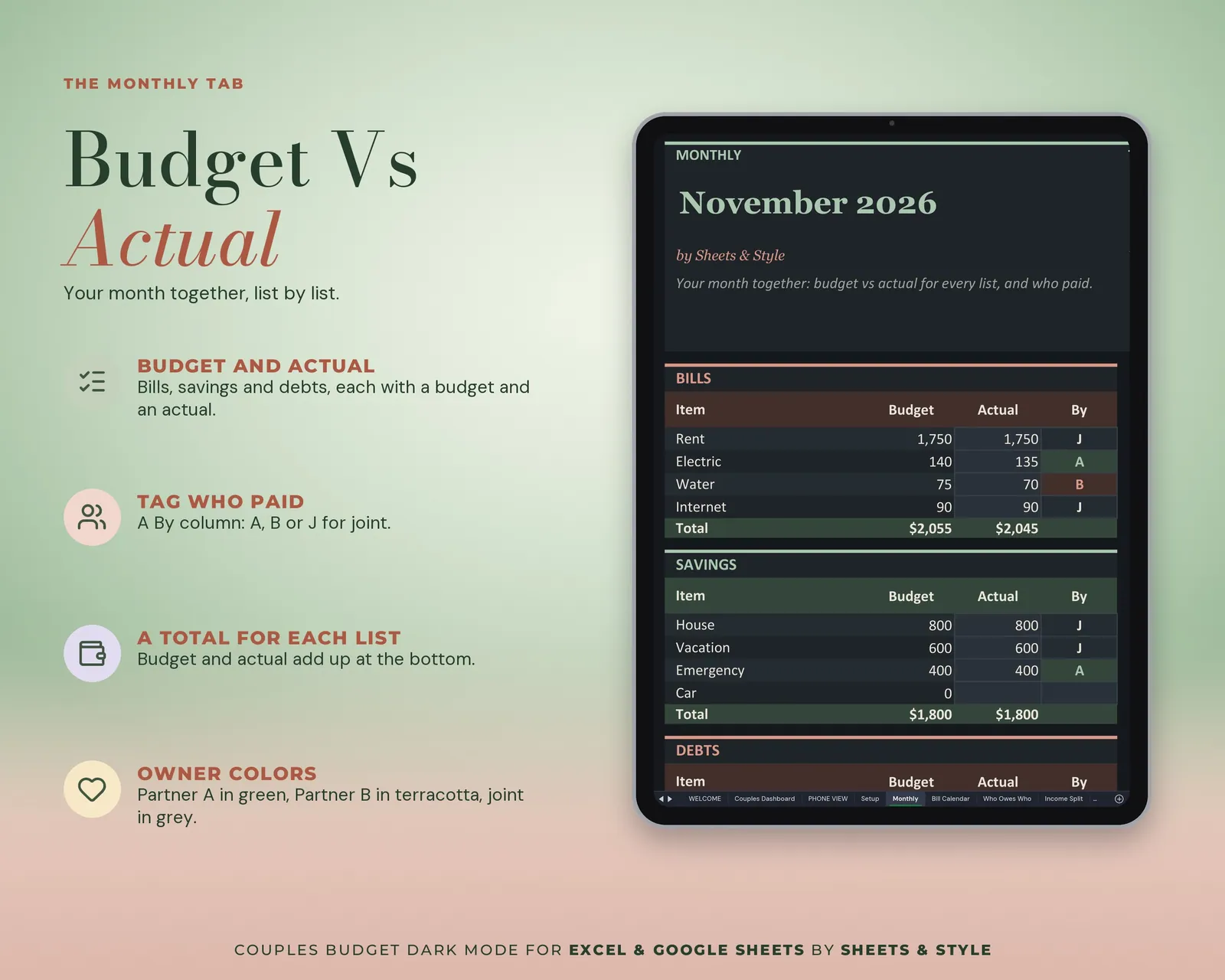
- Monthly: The shared month. Budget vs actual by category, who paid each line, and the top cards and charts, calculated
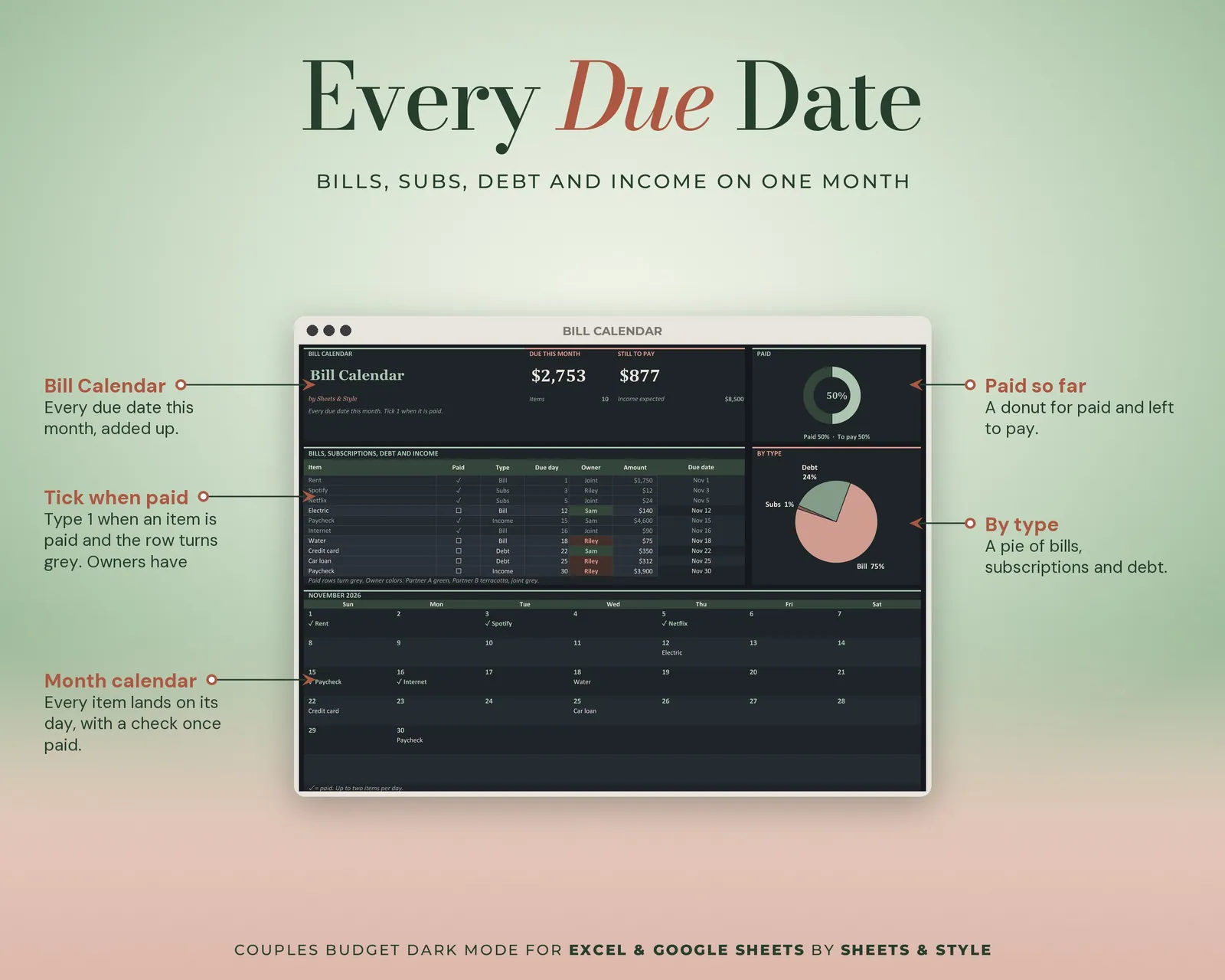
- Bill Calendar: Every due date, visible to both
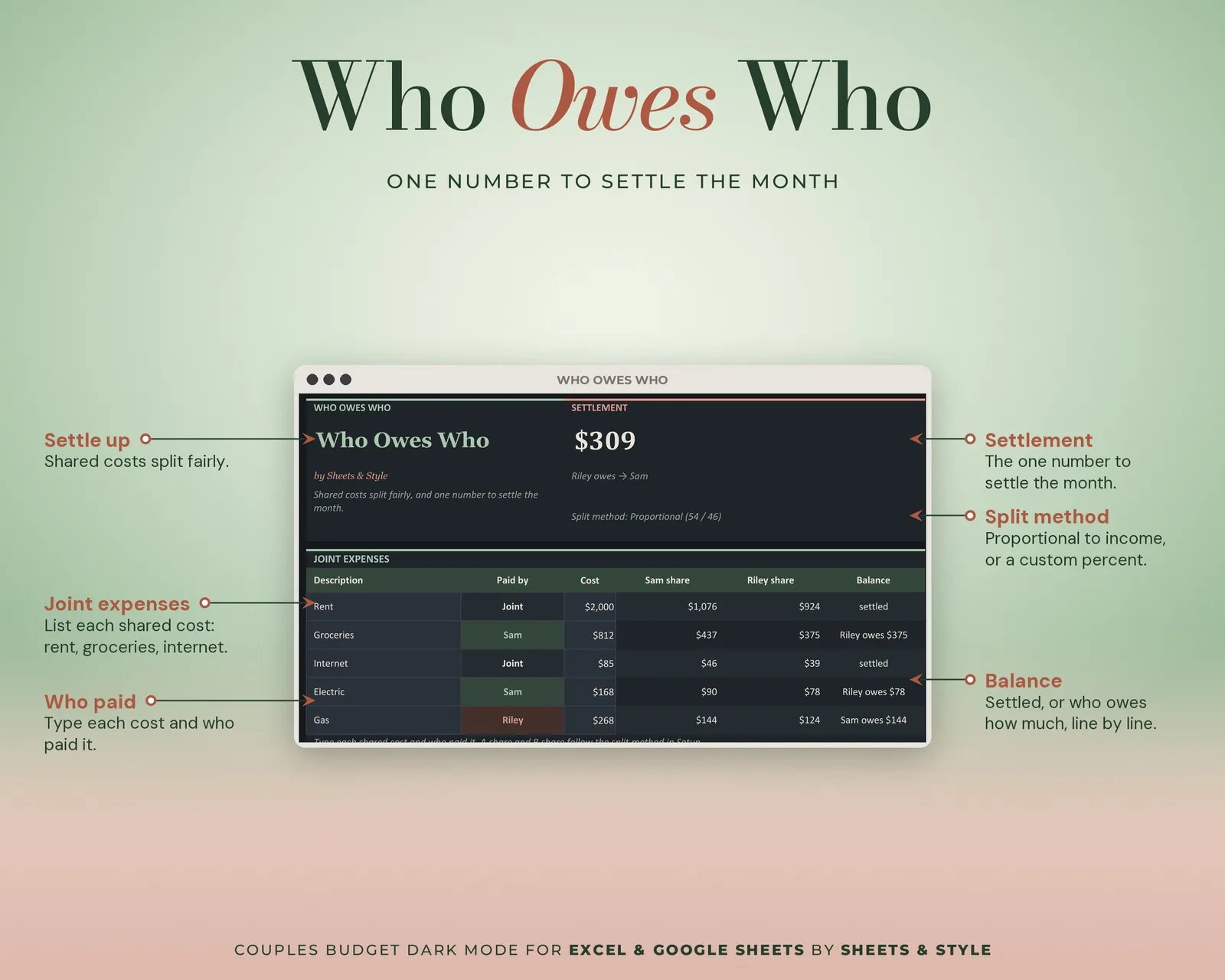
- Who Owes Who: The month's settle-up. Shared expenses, who paid each, each partner's share and who owes whom, calculated from the split you chose in Setup
- Income Split: What each of you earns by source and each person's share of the total, plus spending by partner, calculated
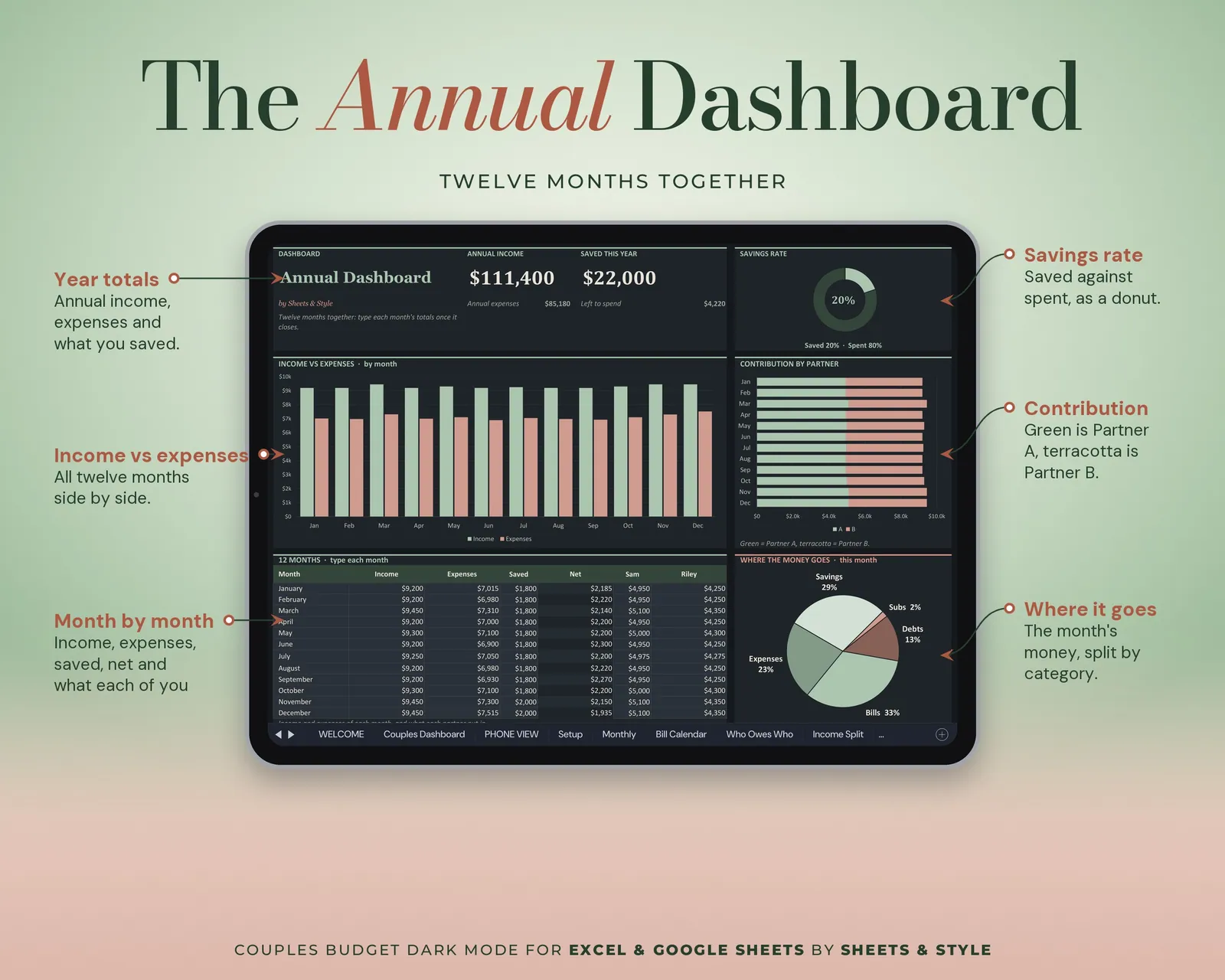
- Dashboard: Your year as a couple. Type each month's totals once and the table, cards and charts fill in
- Sinking Funds: Shared goals with each partner's monthly part; saved so far, months left and ETA calculated
- Debt: Balance, APR and payment per debt; months left, payoff dates, debt-free date, estimated interest and the balance chart calculated
- Net Worth: Assets and debts in one list with the totals calculated, plus a month-by-month chart
Features
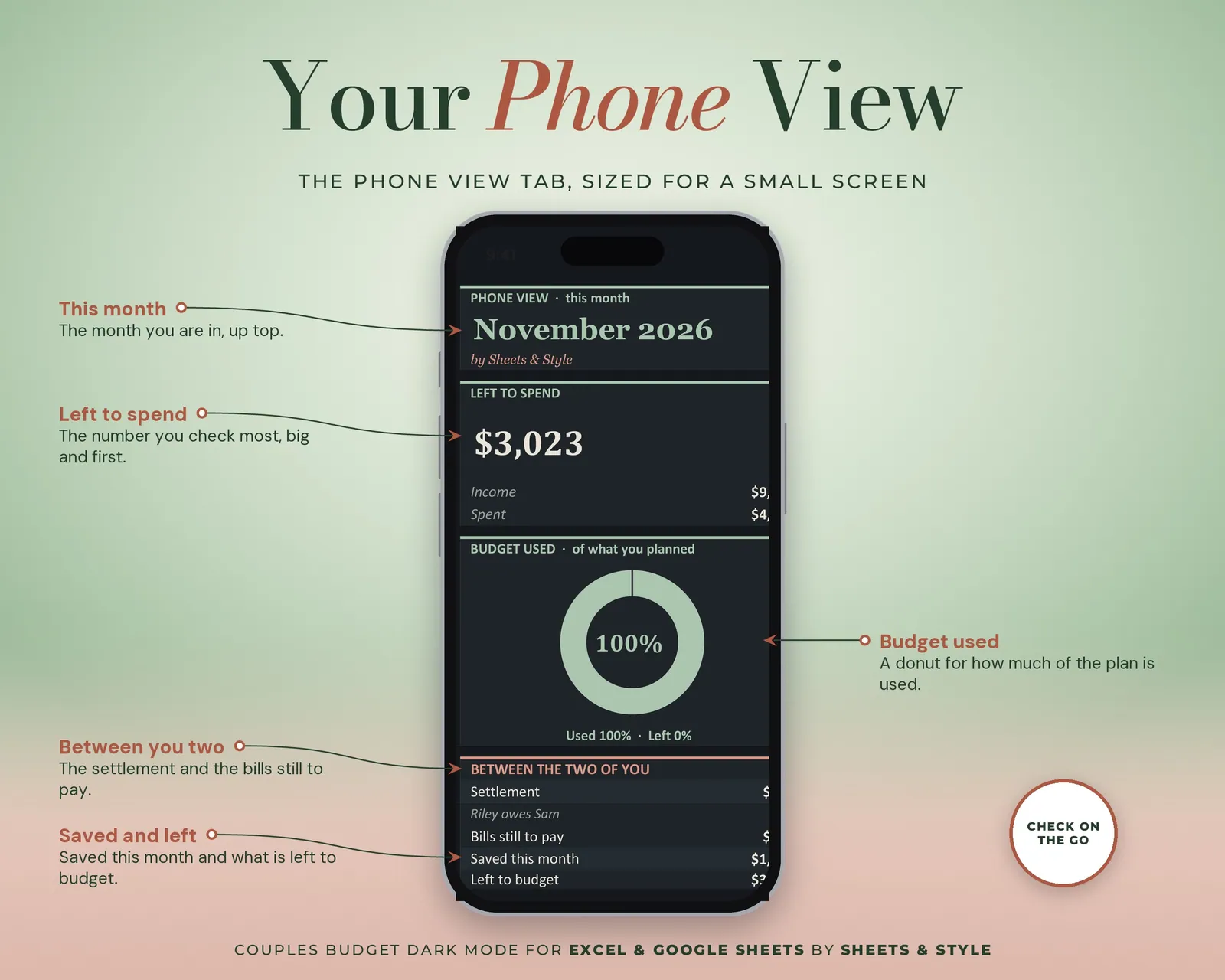
- Visual Couples Dashboard tab: big KPI cards (income, spent, saved, left to spend, who owes who), donut charts for who earns and who spends what, and bar charts that update from your entries
- Dark canvas in both palettes: the palette changes the accent color, not the dark UI
- The settle-up does the math: pick proportional to income, 50/50 or a custom % in Setup and every shared expense is split for you
- The month's settle-up on one screen: who owes whom, and how much, no more phone-notes accounting
- Names typed once in Setup show up on every tab; the currency picker in Setup sets the symbol ($, €, £) on every tab (it doesn't convert the figures)
- Google Sheets version is shareable, so you can both edit live
- Filled EXAMPLE workbook + clean BLANK workbook included
- Every formula tested before publishing
You’ll need
- Microsoft Excel 2016 or newer (desktop; Microsoft 365 not required) or a free Google account for the Google Sheets version (best option for two people).
- Best on desktop or laptop.
More in Budget