Excel + Google Sheets
ADHD Paycheck Budget
ADHD budget planner for Google Sheets and Excel: a paycheck budget spreadsheet that goes one paycheck at a time, with a bill calendar, debt payoff (snowball or avalanche) and a no spend challenge.
Built for the brain that downloads five budget apps and finishes none. You don't budget the whole year here. You budget THIS paycheck: log a number and the cards, charts, sidebar, bill calendar and dashboard move with it. Tick a win, close the file.
Coming to Etsy this week
Instant download on Etsy: Excel files plus a link to your own Google Sheets copy.
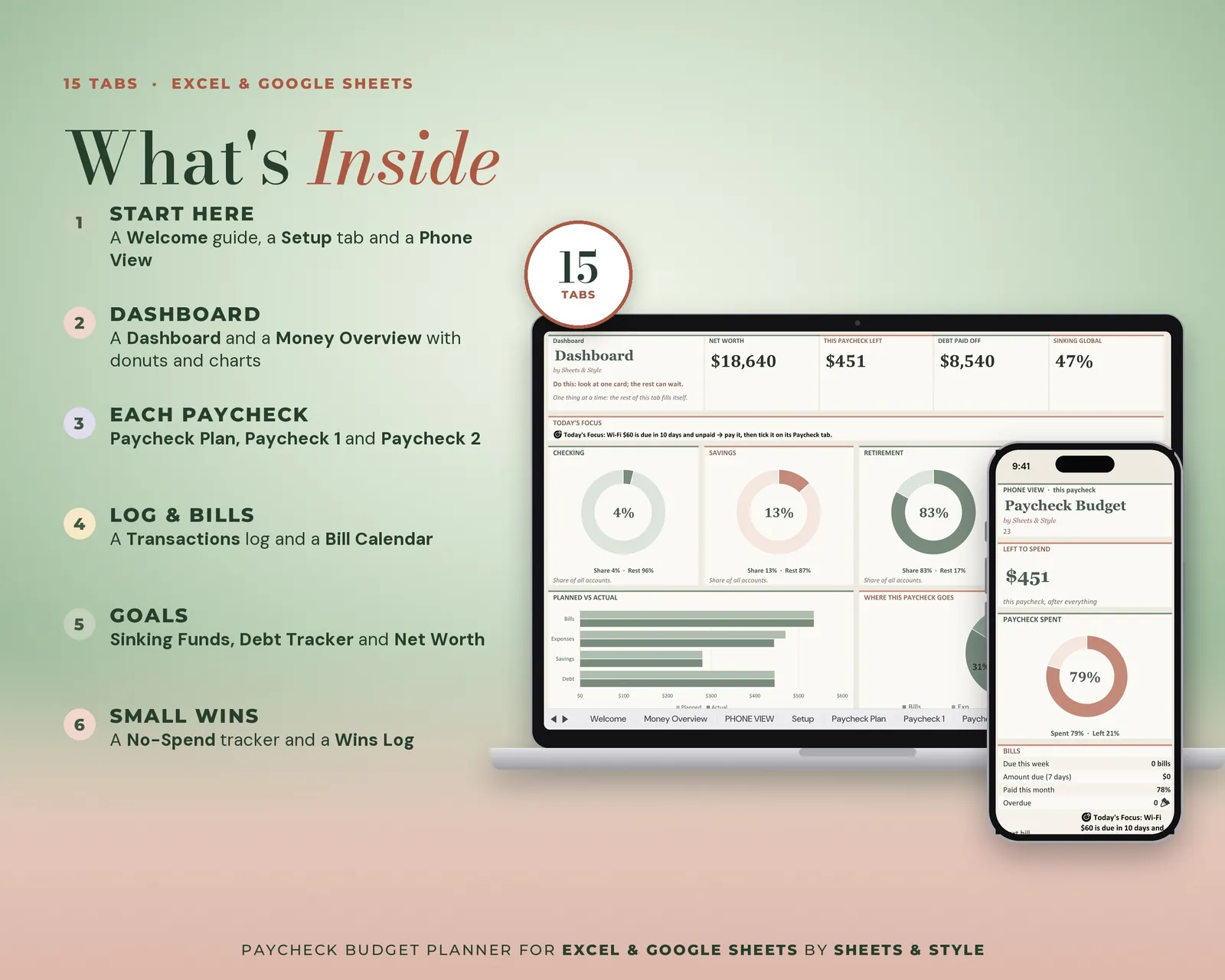
What’s inside · 14 tabs
- Welcome: Start here, one step at a time
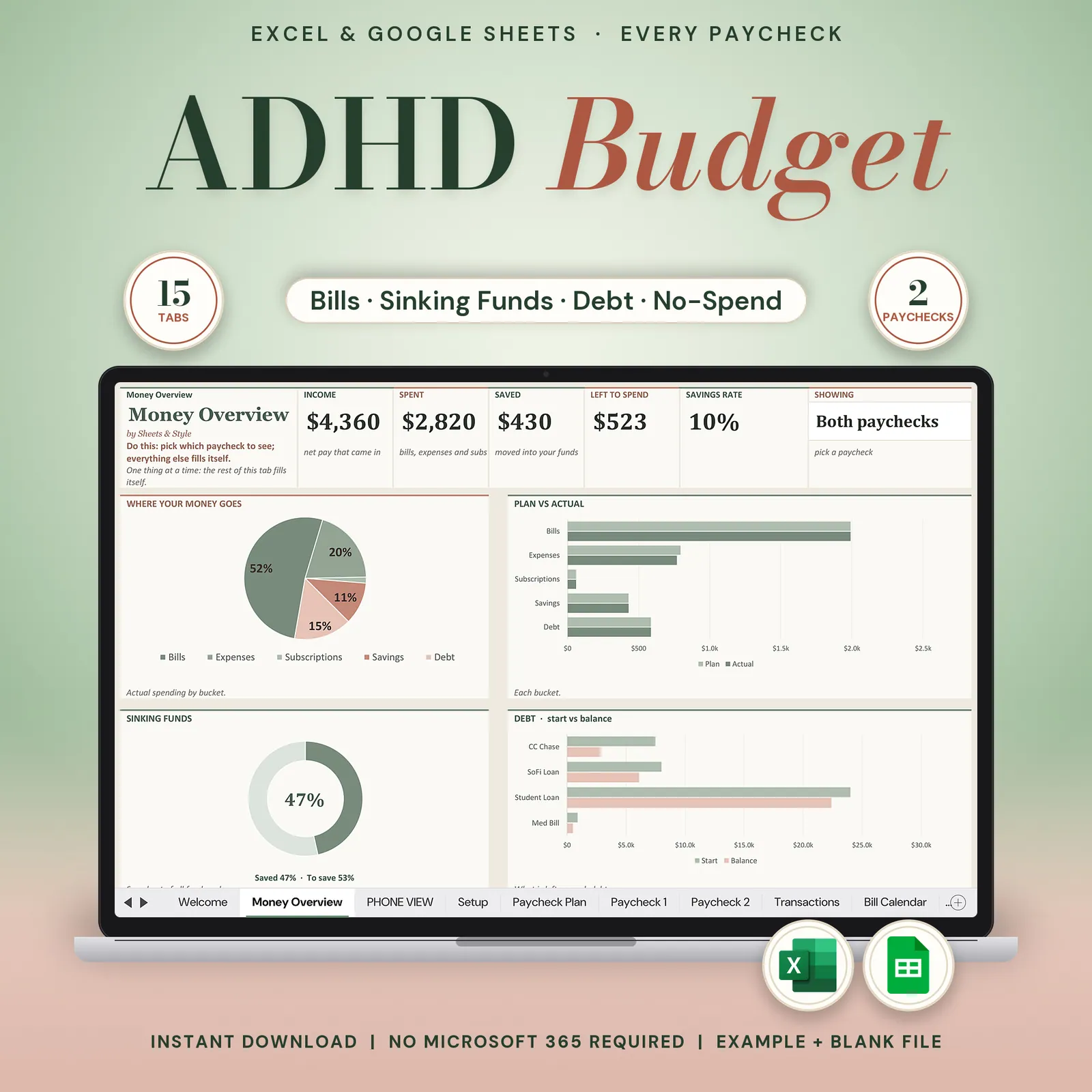
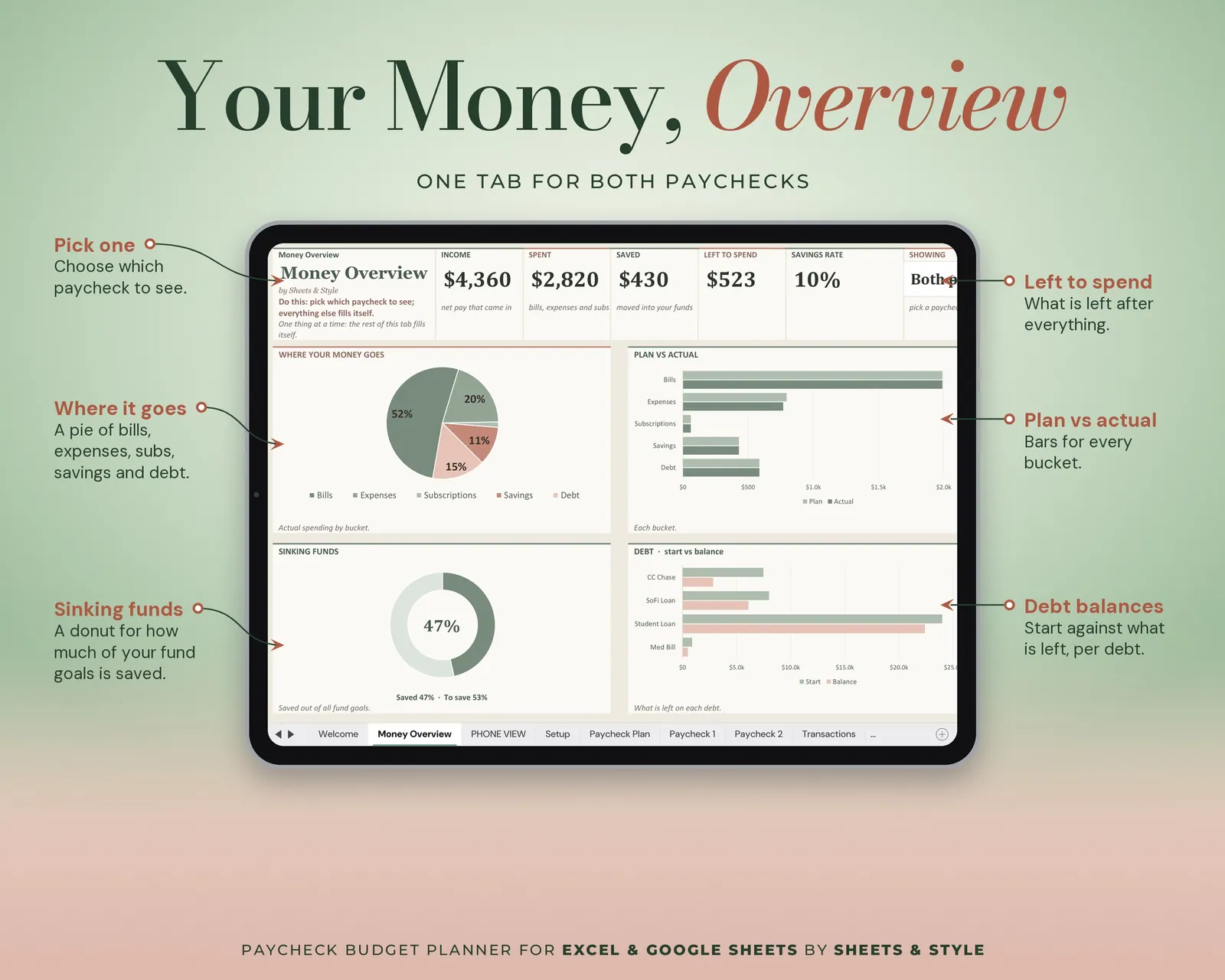
- Money Overview: Big KPI cards, donut and bar charts of your money, one paycheck or both
- Setup: Currency, pay frequency, and your lists of income, bills, subscriptions, debts and expenses. Two starter fields; the pickers (currency, first payday, 50/30/20 · 60/20/20 · 70/20/10 split, Snowball or Avalanche) feed every tab.
- Paycheck Plan: The plan for the current period. Type each line and see assigned, left to assign, savings rate and goal vs real against your split
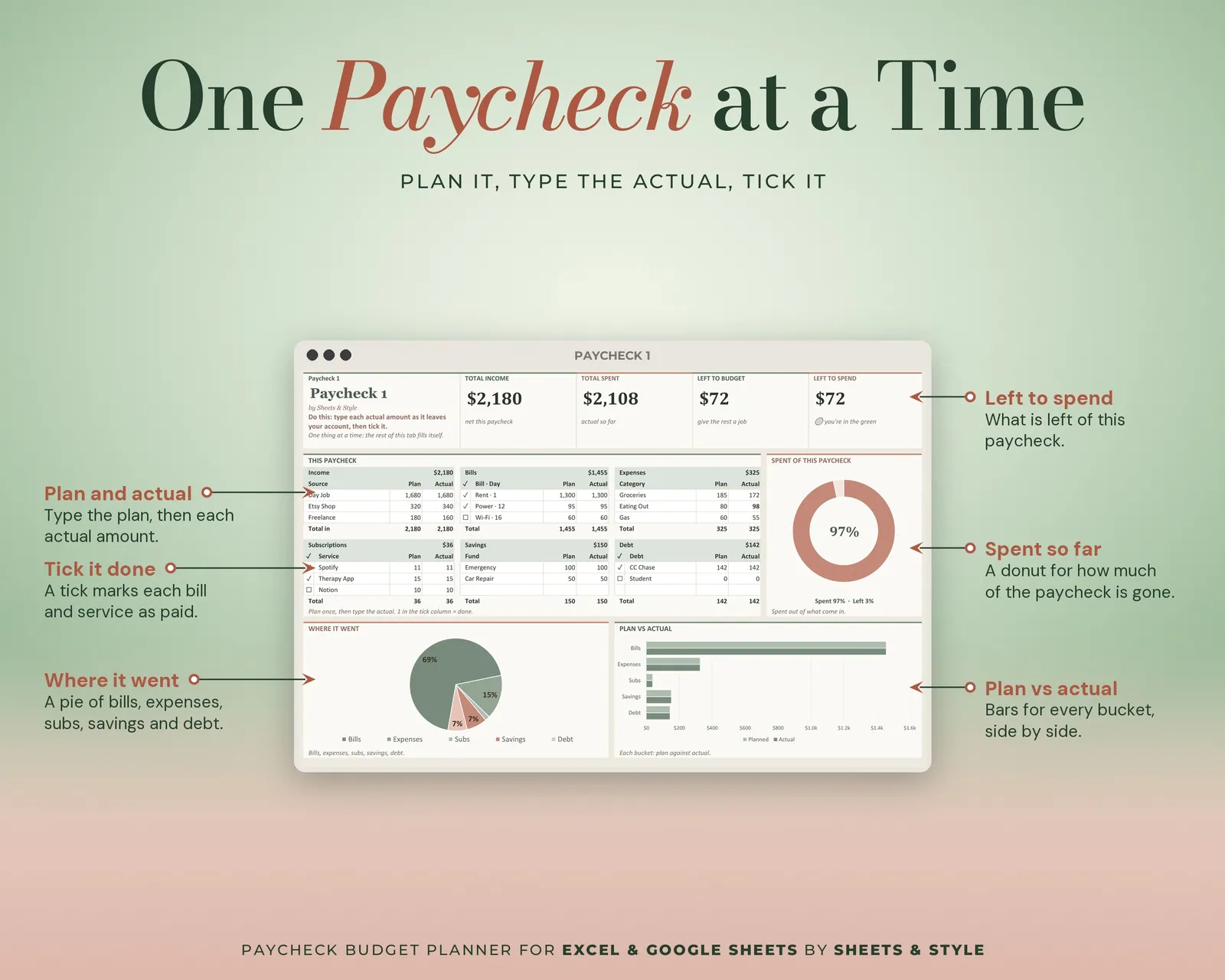
- Paycheck 1 / 05 Paycheck 2: One paycheck at a time. Plan vs actual per bucket, left to budget, left to spend, bills paid and a wins line, all calculated
- Transactions: Quick log with a bucket dropdown; type 1 when it clears and the row strikes itself through
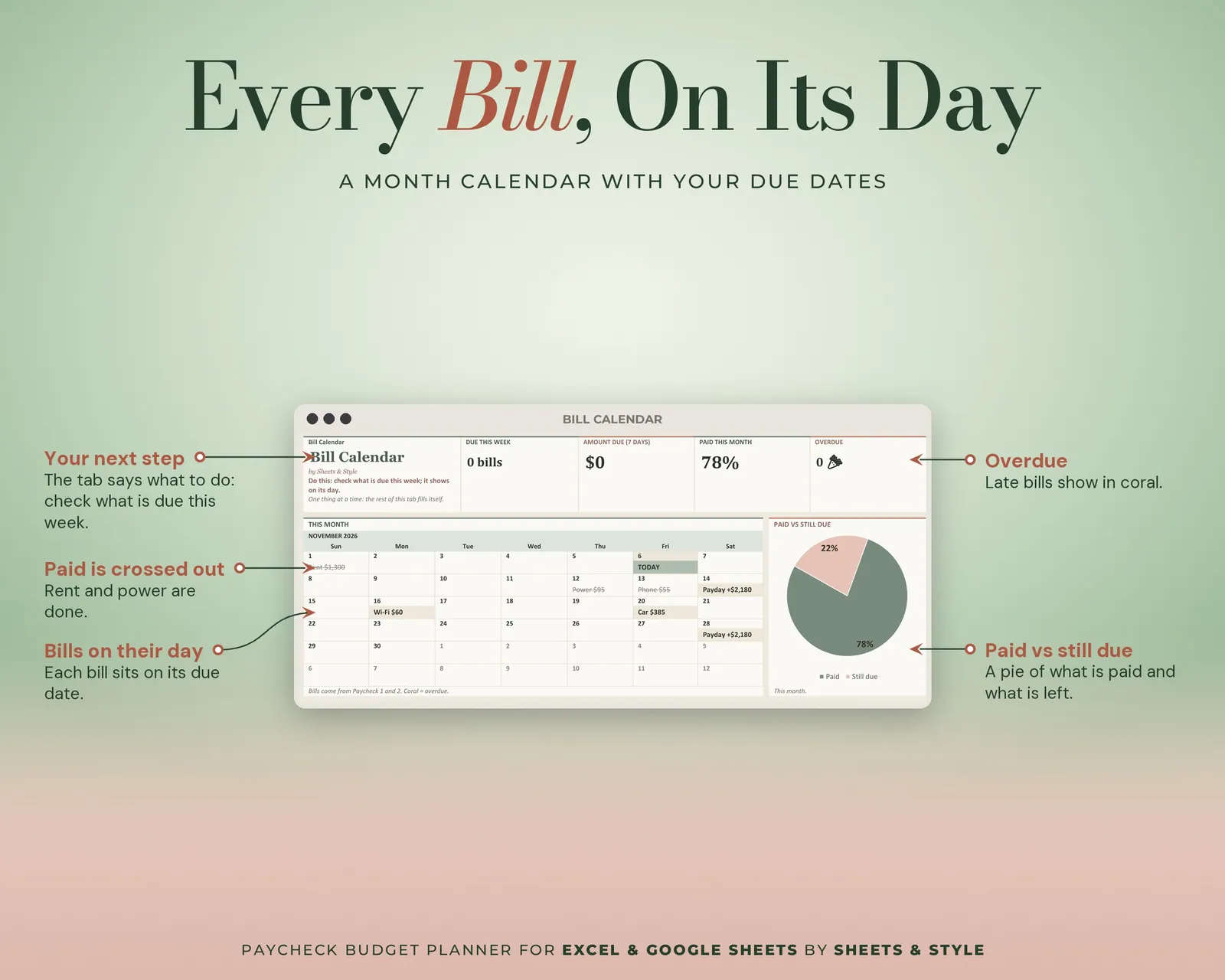
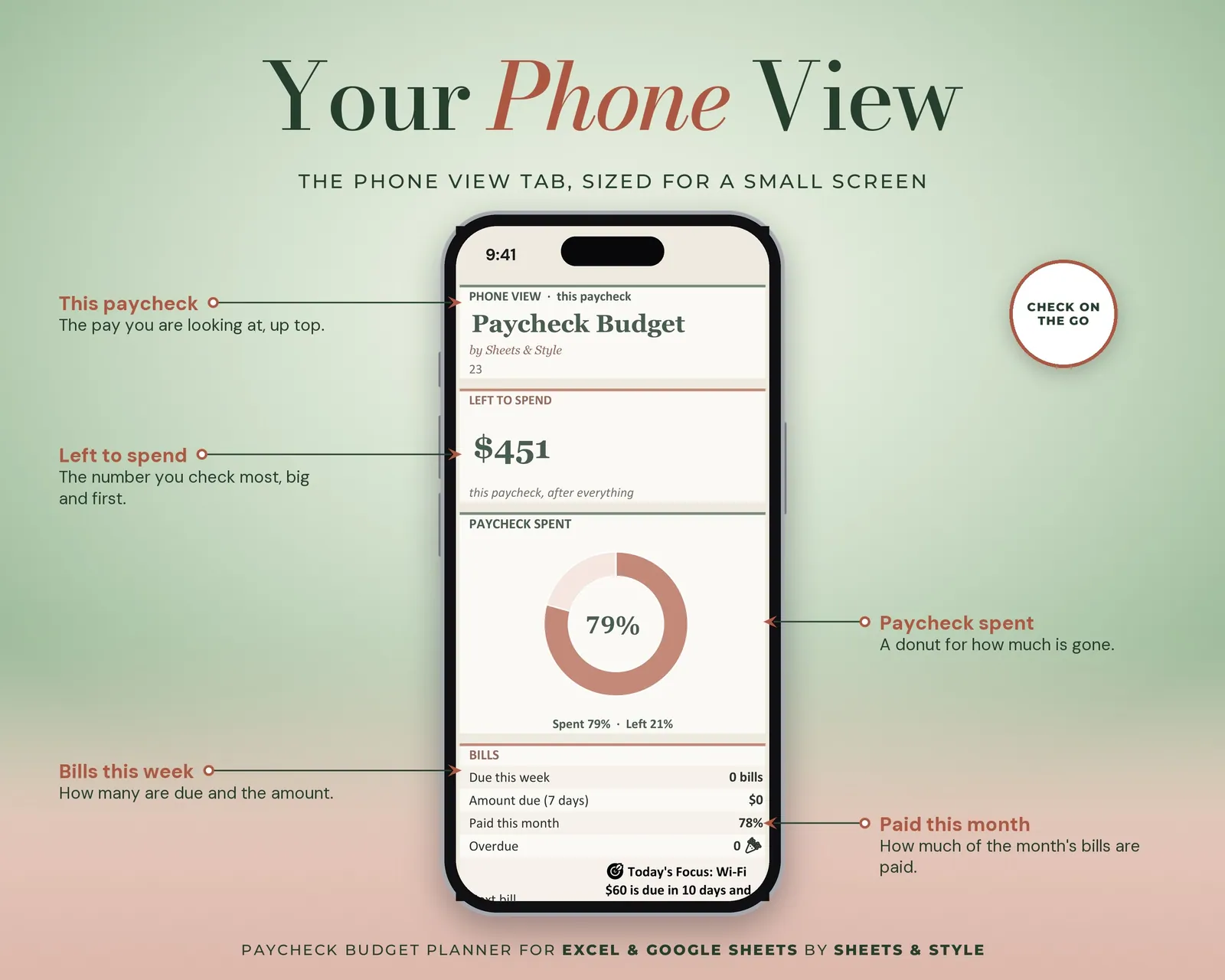
- Bill Calendar: This month lays itself out. Each bill from your paycheck tabs lands on its day, with paydays, what's due this week and what's overdue
- Sinking Funds: Goal, saved and target date per fund; what's left, $ per month and the progress donuts calculate
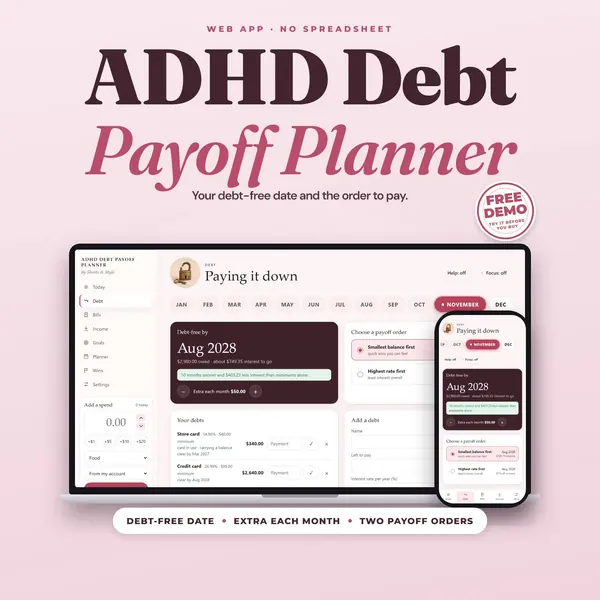
- Debt Tracker: Balances, APR and payments. Paid off so far, a payoff date per debt and months to debt-free calculate, in Snowball or Avalanche order
- No-Spend: Tick the days you didn't spend. Current streak, best streak and the year chart calculate, and nothing scolds you when a streak breaks
- Net Worth: Quarterly snapshots only, zero pressure. Net worth and change calculate
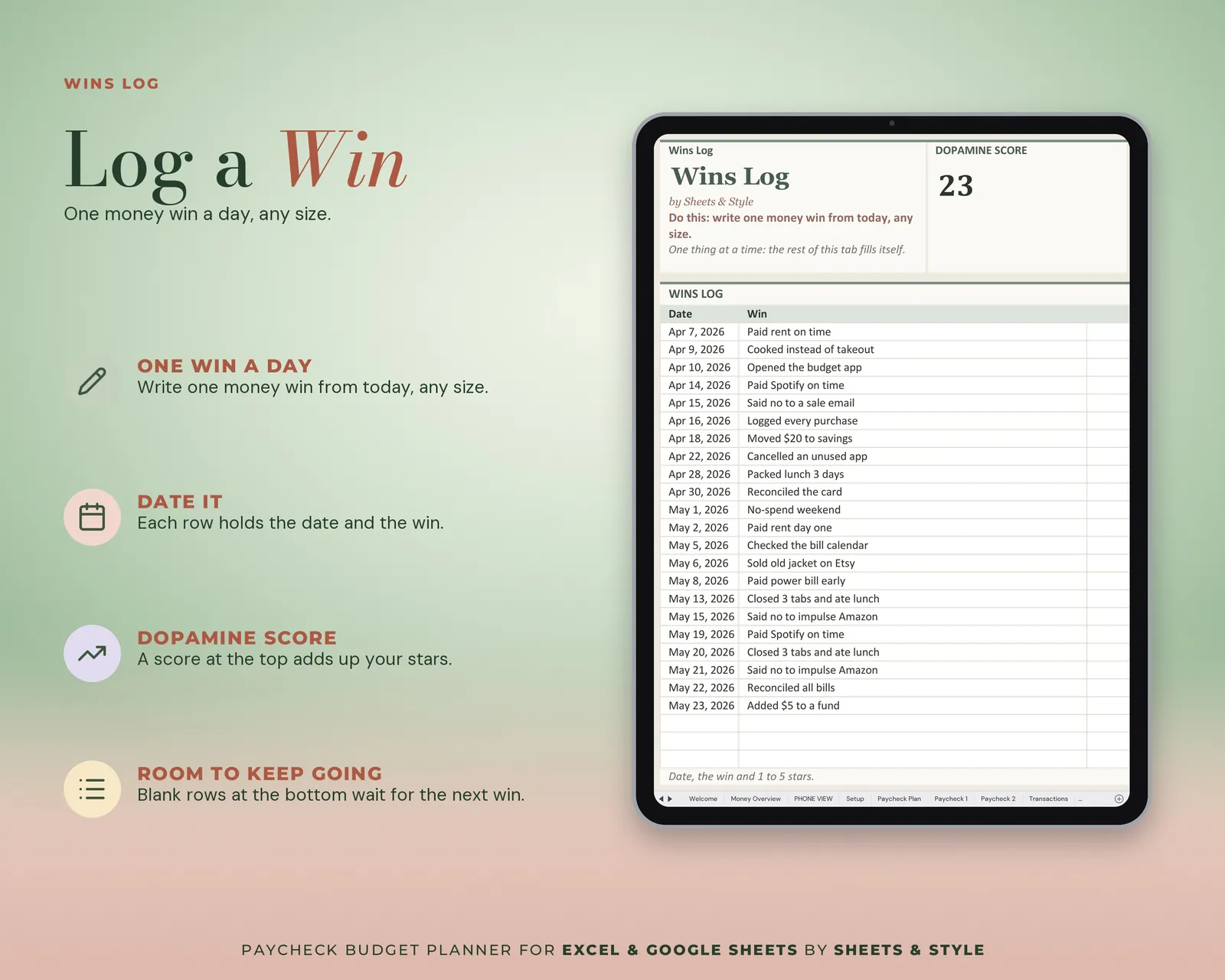
- Wins Log: Write what went right, rate it 1-5. The weekly Dopamine Score and a 7-week chart follow
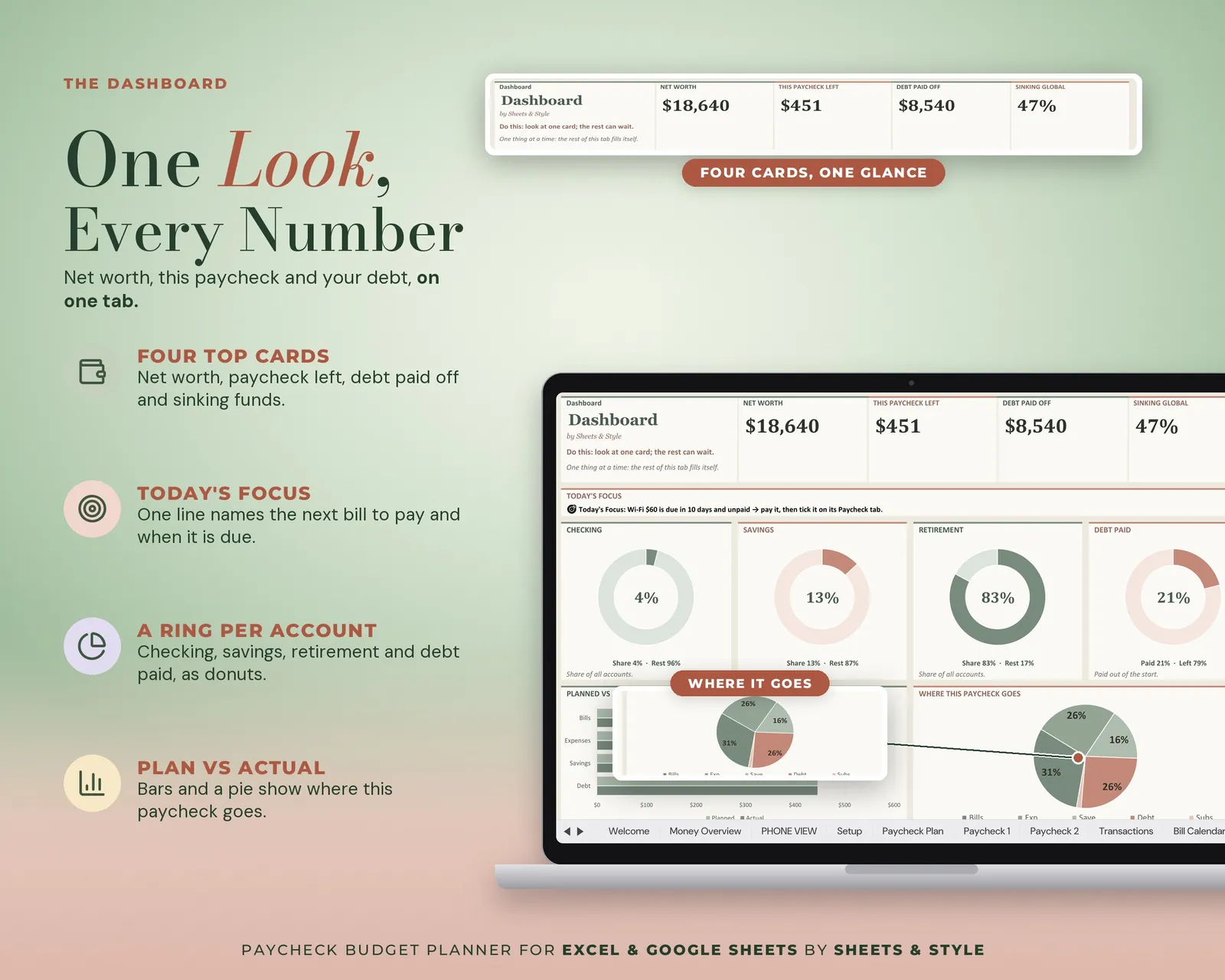
- Dashboard: Everything at a glance, read from the other tabs, plus one "today's focus" (your next unpaid bill) so there's always a single next step
Features
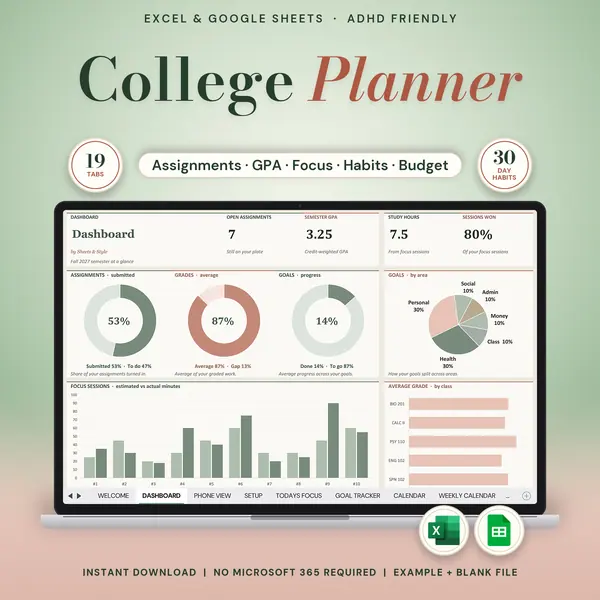
- Visual Money Overview tab: big KPI cards (income, spent, saved, left to spend, savings rate), donut and bar charts for plan vs actual, sinking funds and debt that update from your entries; pick a paycheck to filter
- ADHD-friendly on purpose: short steps, instant feedback, visible progress, no shame language
- Only two starter fields in Setup: the rest can wait
- Hide the tabs you don't use: each tab works on its own
- Calculated on every tab: you type amounts, dates and ticks; totals, cards, charts, streaks, payoff dates and the sidebar follow
- Pick your currency in Setup (USD, CAD, AUD, EUR, GBP and more) and your pay frequency; each paycheck has its own tab
- Filled EXAMPLE workbook + clean BLANK workbook included
- Excel AND Google Sheets versions, both in this listing
You’ll need
- Microsoft Excel 2016 or newer (desktop; Microsoft 365 not required) or a free Google account for the Google Sheets version.
- Best on desktop or laptop; the Sheets mobile app is good for logging on the spot.
More in ADHD-friendly