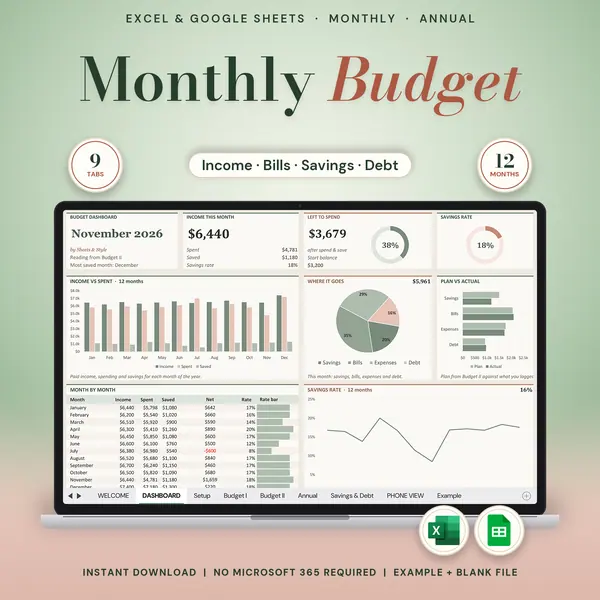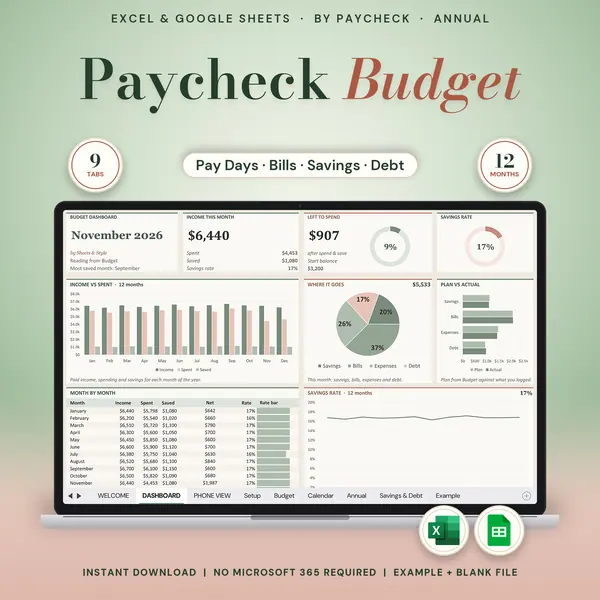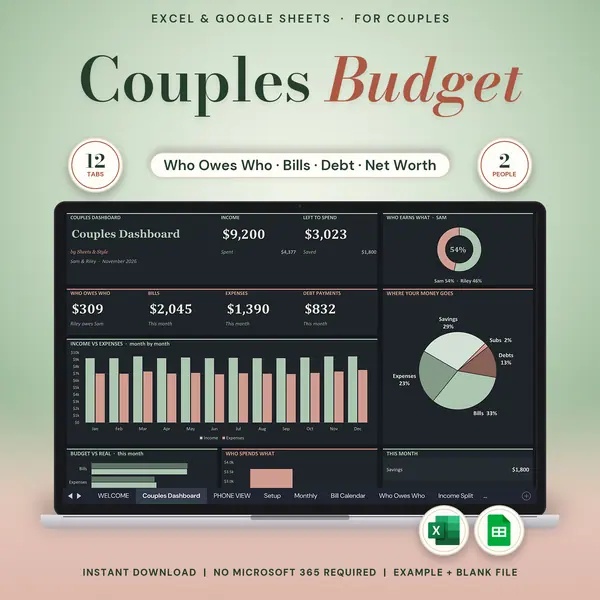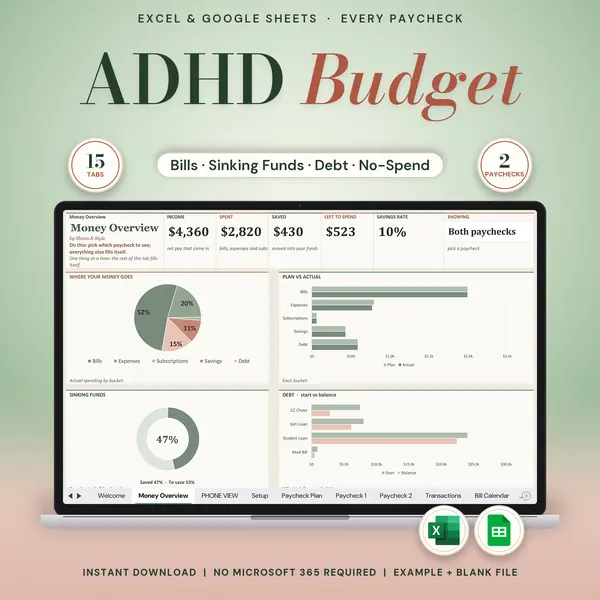
Excel + Google Sheets
Biweekly Budget
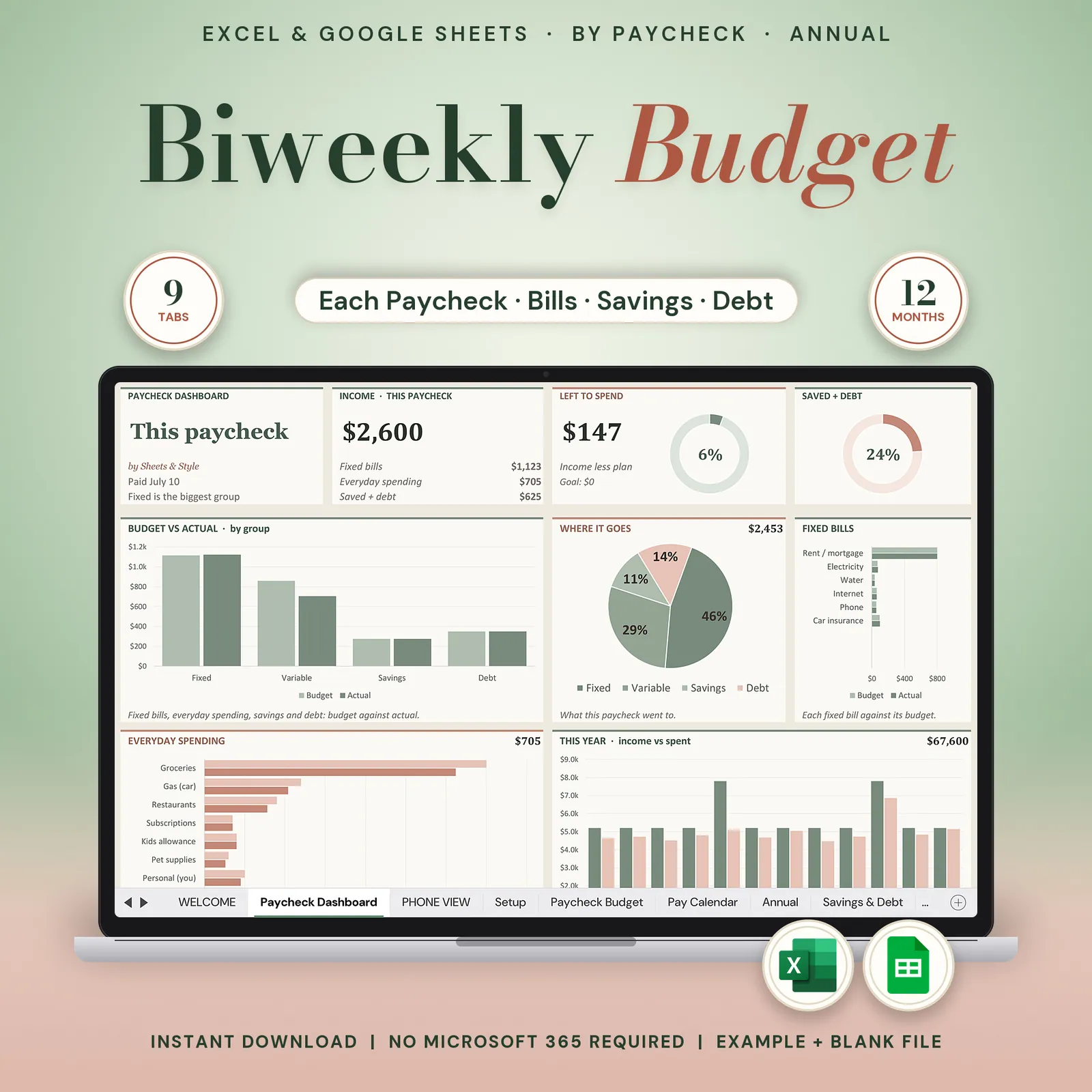
Biweekly budget spreadsheet for Google Sheets and Excel: plan each paycheck when you're paid every two weeks, with your pay dates and bills on one calendar and savings and debt side by side.
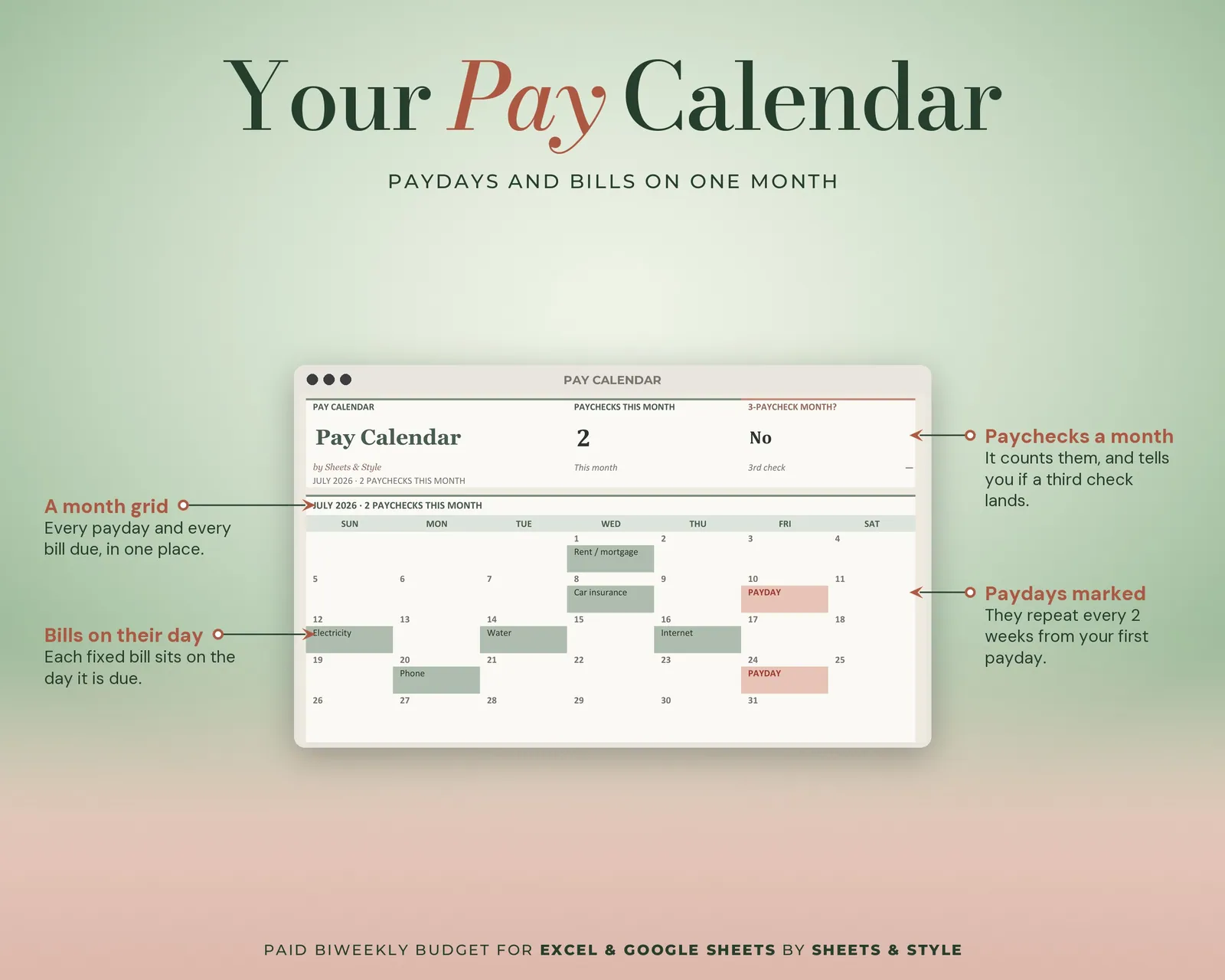
Paid every two weeks? Then stop forcing your money into a monthly template. Every paycheck gets its own plan, and the calendar (which you fill in with your own dates) shows your pay days and bill due dates, with a box for the month when a third check shows up.
Coming to Etsy this week
Instant download on Etsy: Excel files plus a link to your own Google Sheets copy.
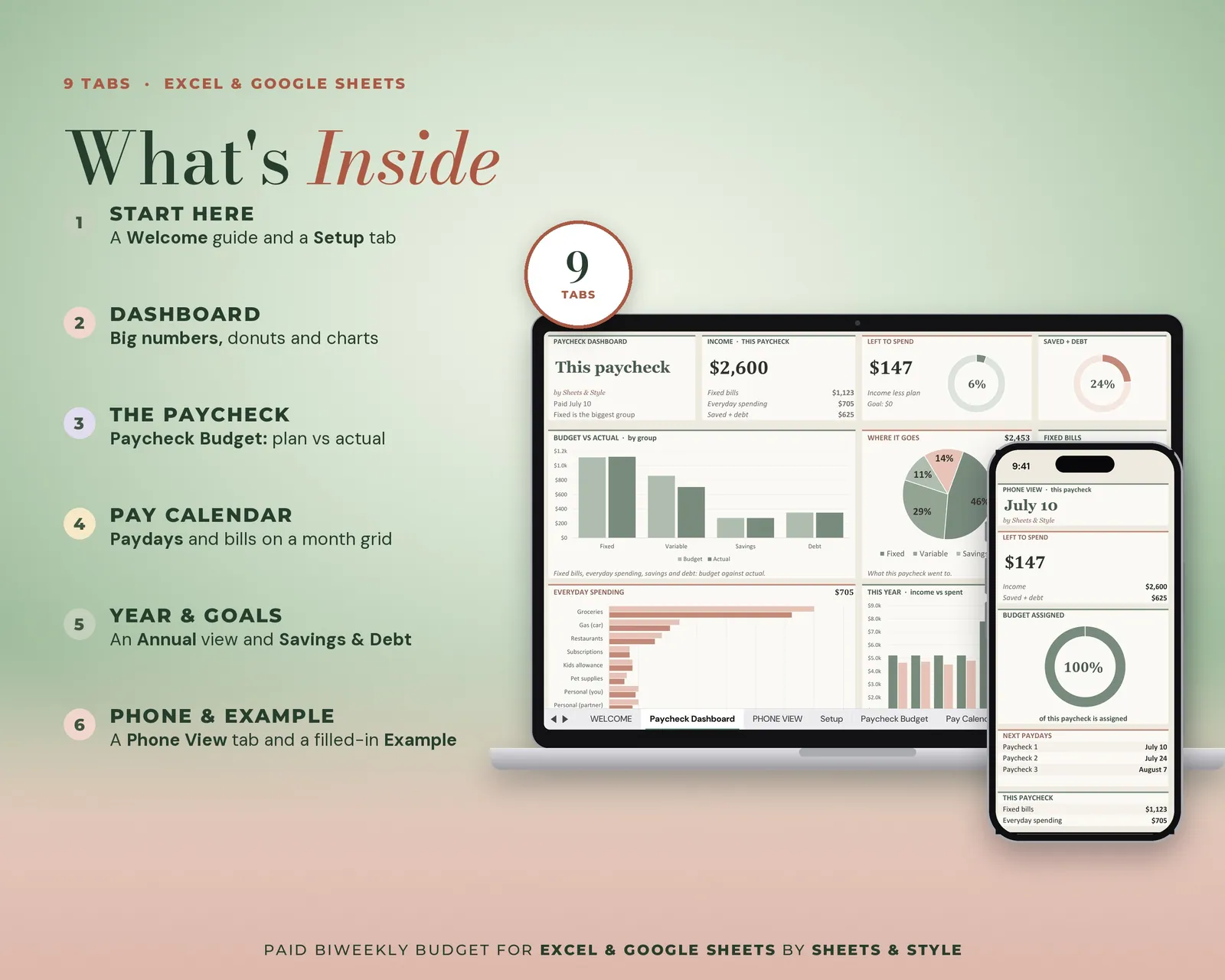
What’s inside · 8 tabs
- Welcome: Quick-start guide
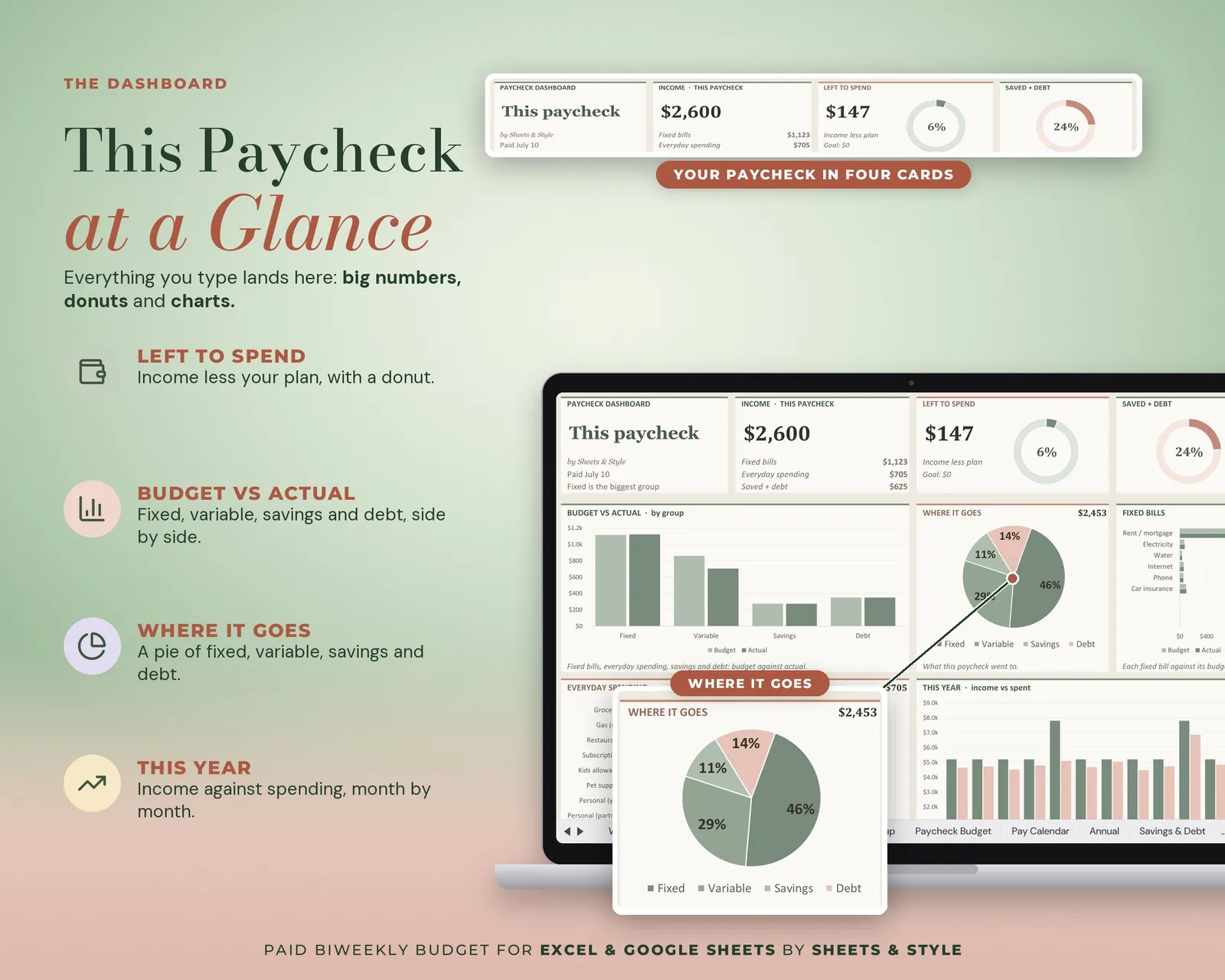
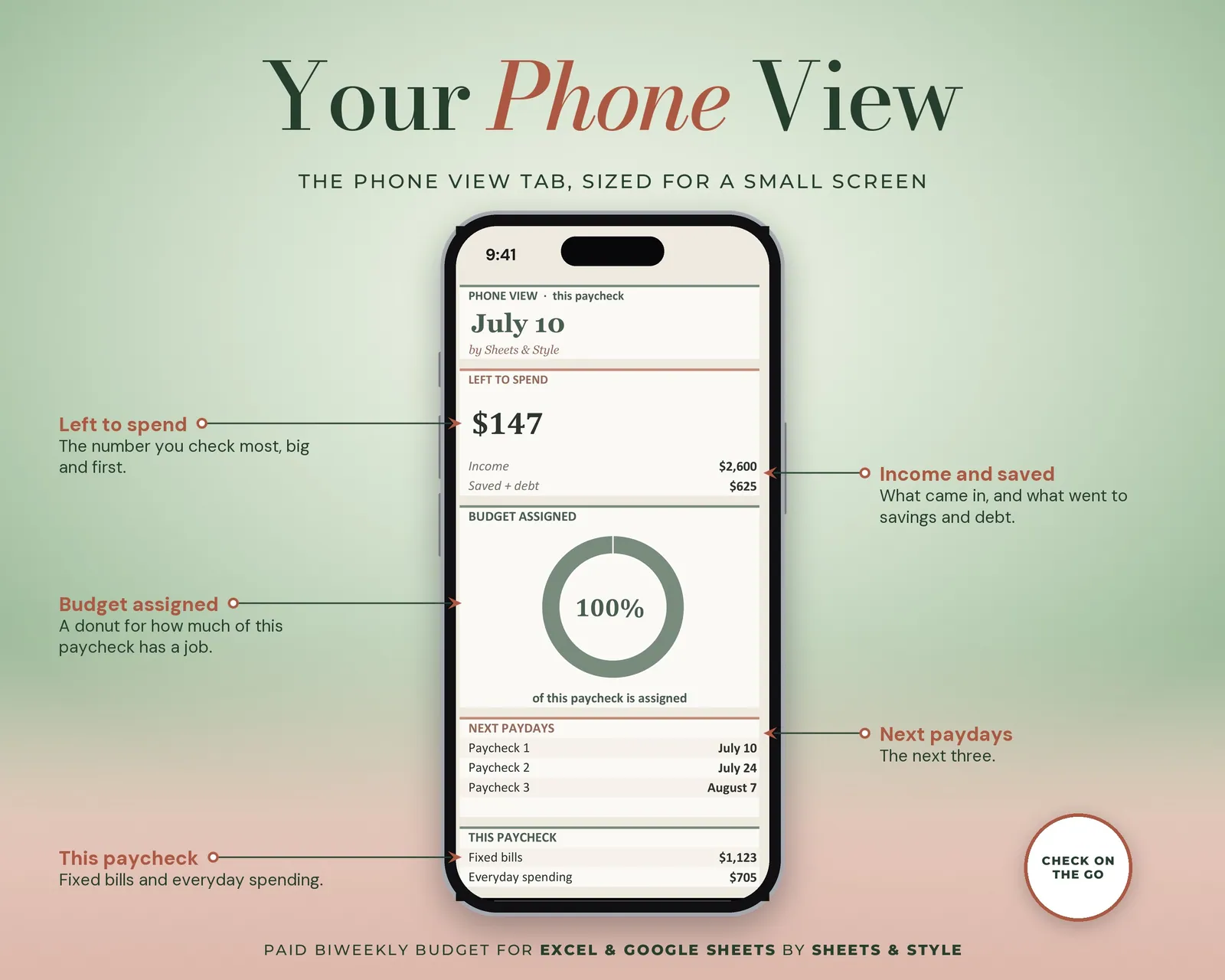
- Paycheck Dashboard: Big KPI cards, donut and bar charts for the paycheck you're planning
- Setup: Pay frequency and first payday, starting balance and each earner's typical paycheck, as reference data (the plan is built on the Paycheck Budget tab)
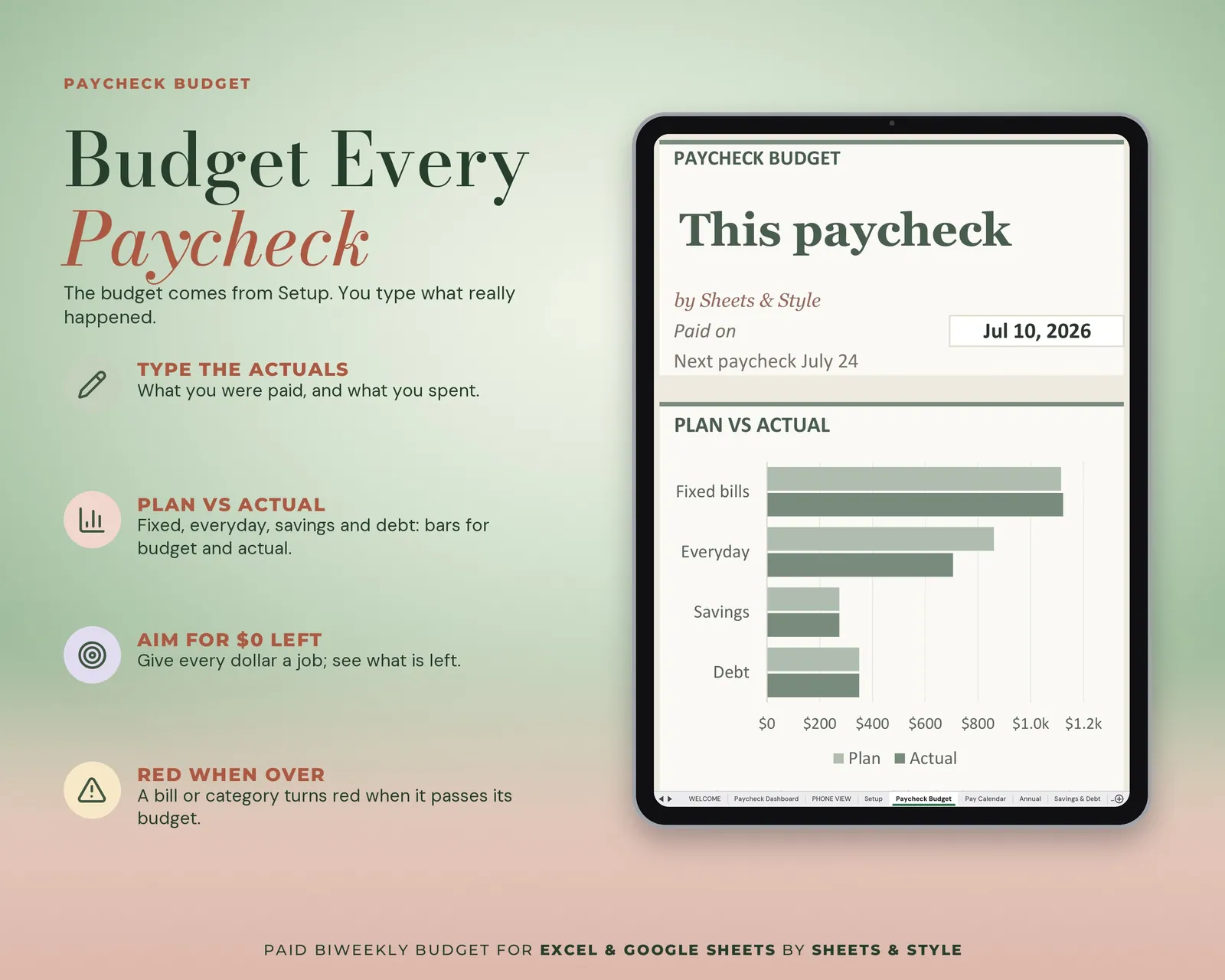
- Paycheck Budget: Plan each biweekly check. What comes in, what goes out, what's left
- Pay Calendar: Pay dates and bills on the same grid
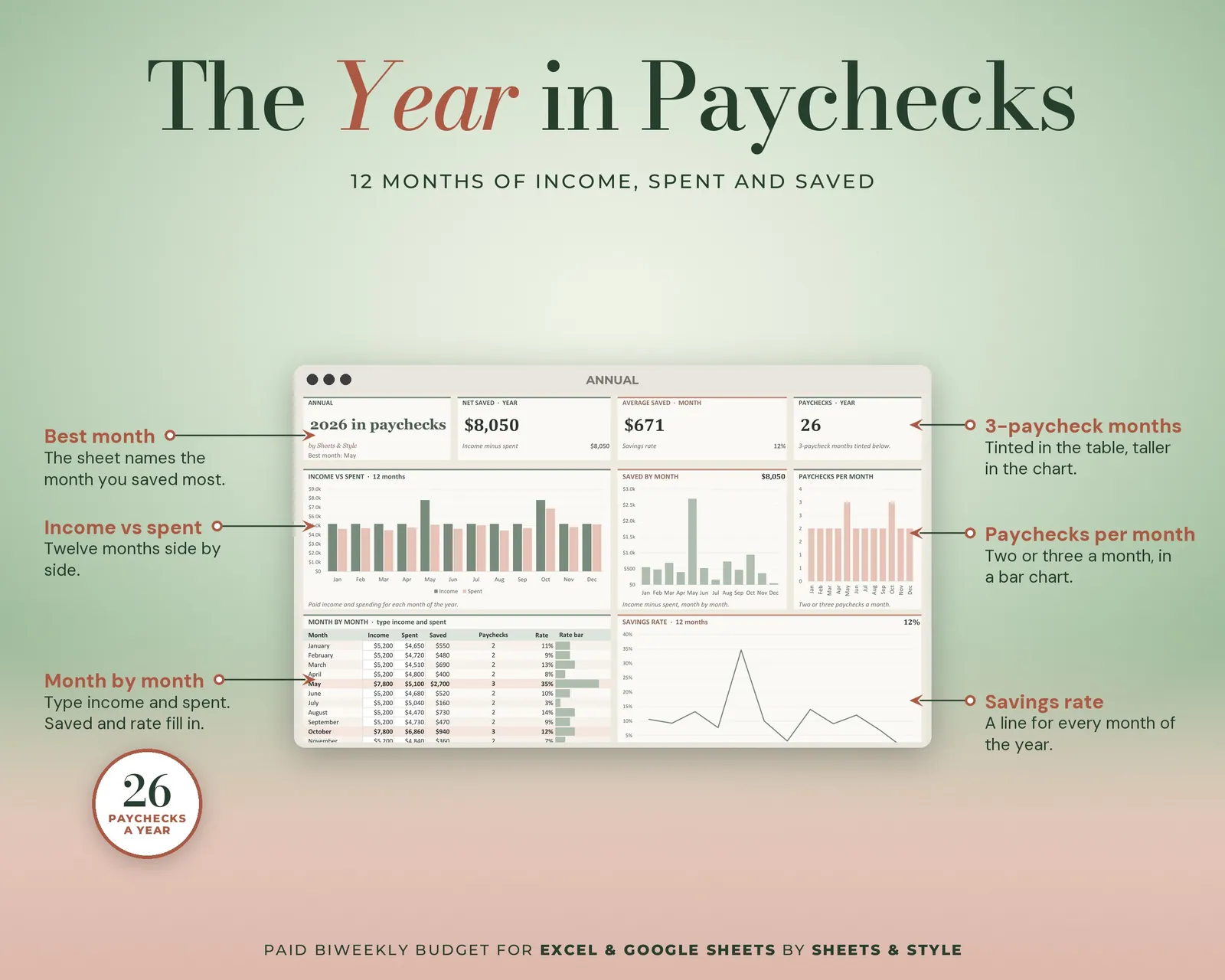
- Annual: The 12-month summary with the year's total (you type each month's income, spending and savings)
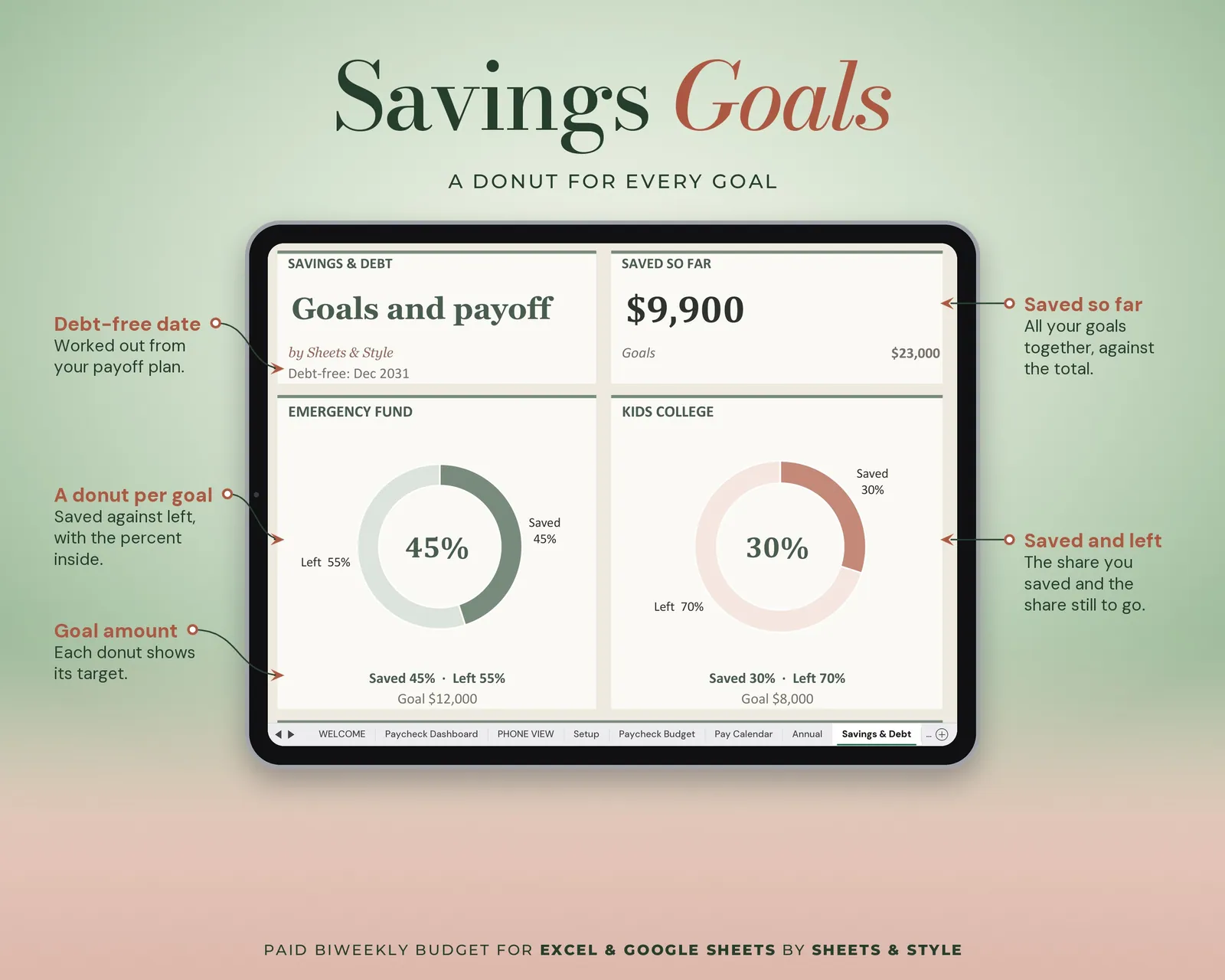
- Savings & Debt: Goals and payoff, side by side
- Example: A filled-in period to copy from
Features
- Visual Paycheck Dashboard tab: big KPI cards (income, fixed bills, everyday spending, saved + debt, left to spend), donut and bar charts of where each paycheck goes that update from your entries
- Built for people paid every two weeks: each paycheck has its own budget, and the year panel flags the months with 3 paychecks
- Two-earner ready: you enter both paychecks on the Paycheck Budget tab and they add up in the same plan
- On the Paycheck Budget tab, totals, differences and charts are auto-calculated
- Amounts in dollars ($) and reusable: swap the sample dates for yours
- Filled EXAMPLE workbook + clean BLANK workbook included
- Excel AND Google Sheets versions, both in this listing
- Every formula tested before publishing
You’ll need
- Microsoft Excel 2016 or newer (desktop; Microsoft 365 not required) or a free Google account for the Google Sheets version.
- Best on desktop or laptop.
More in Budget