Excel + Google Sheets
Ultimate Wedding Planner
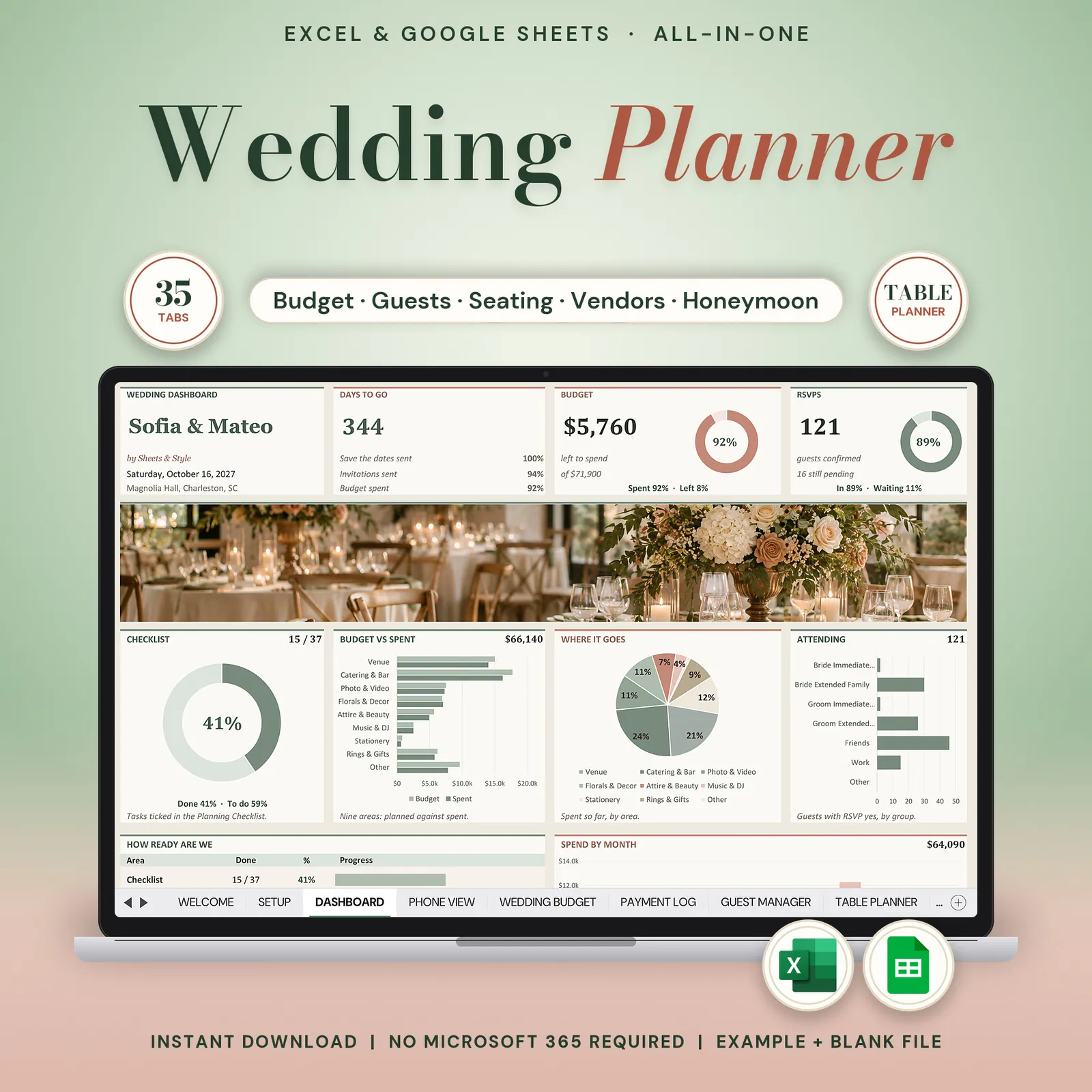
Wedding planner spreadsheet for Google Sheets and Excel: wedding budget tracker, planning checklist, guest list with RSVPs and meals, seating chart, vendors, registry and a minute-by-minute timeline for the day.
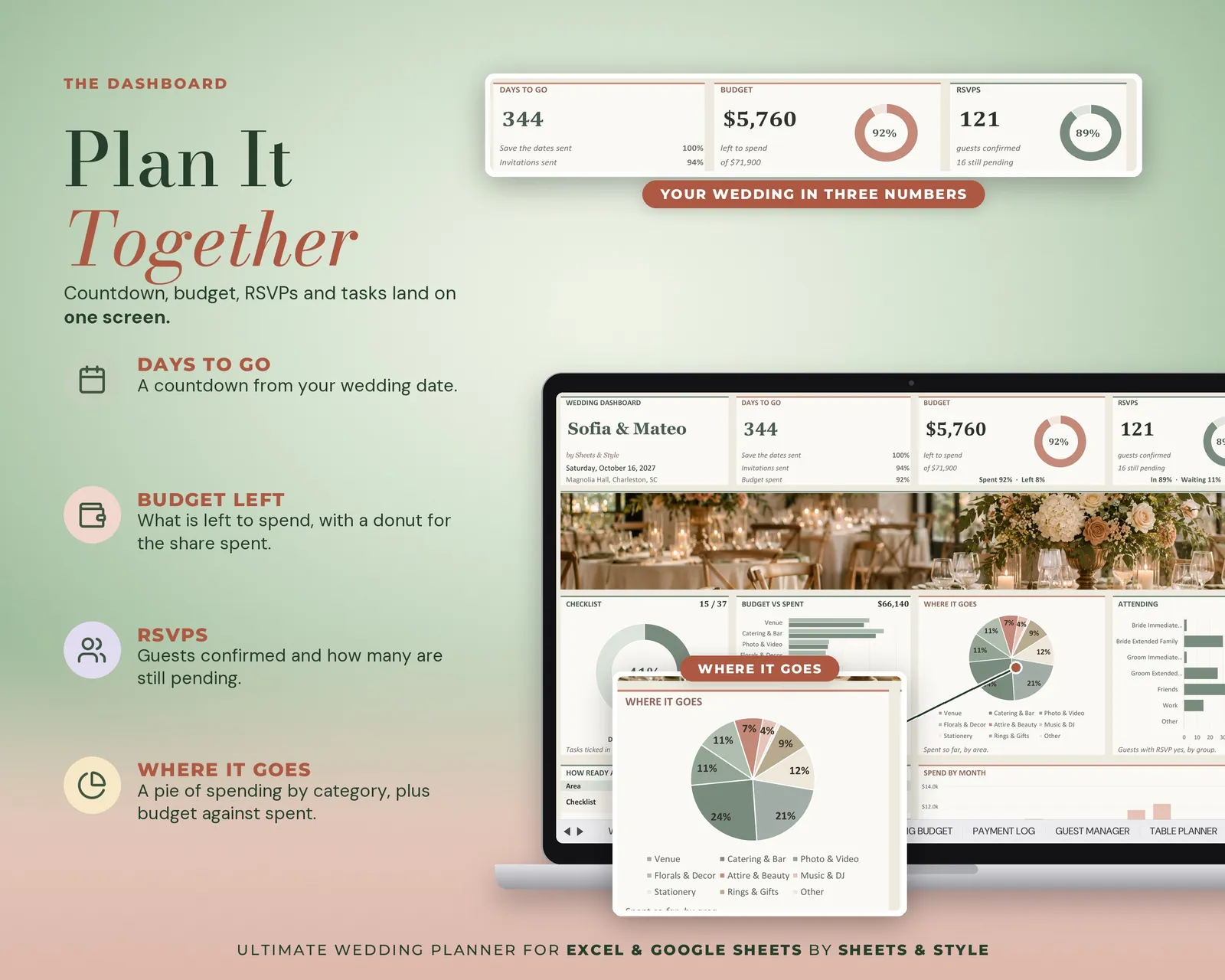
Planning a wedding feels like a hundred tabs open in your head: venue, vendors, guests, deposits, the timeline nobody wrote down yet. This closes all of them. 34 tabs that carry you from the first vendor email to the last honeymoon receipt, with a days-to-go countdown following you on every screen.
Coming to Etsy this week
Instant download on Etsy: Excel files plus a link to your own Google Sheets copy.
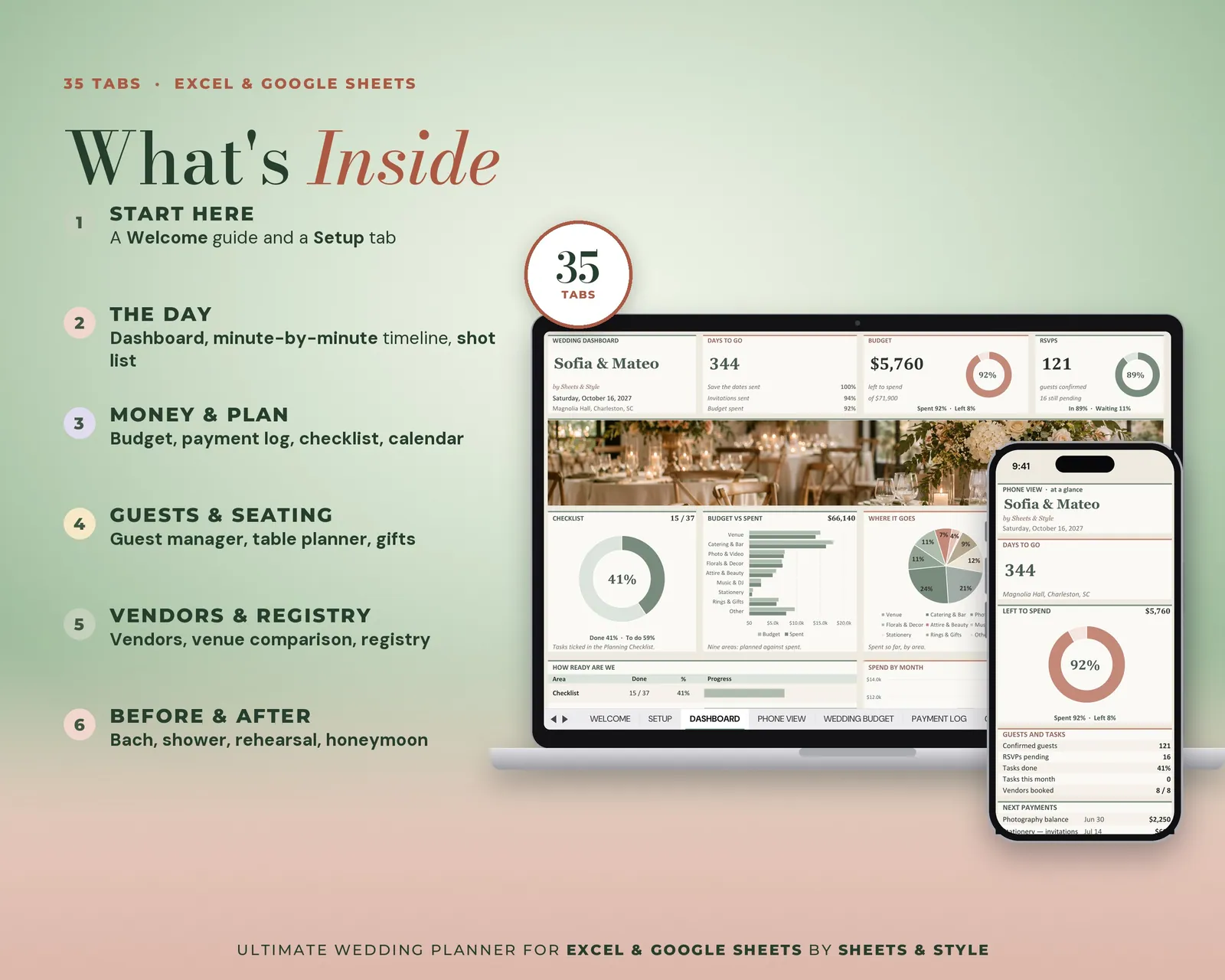
What’s inside · 34 tabs
- The Day: Dashboard with live counters, Minute-by-Minute timeline, Photo Shot List, Music Playlist
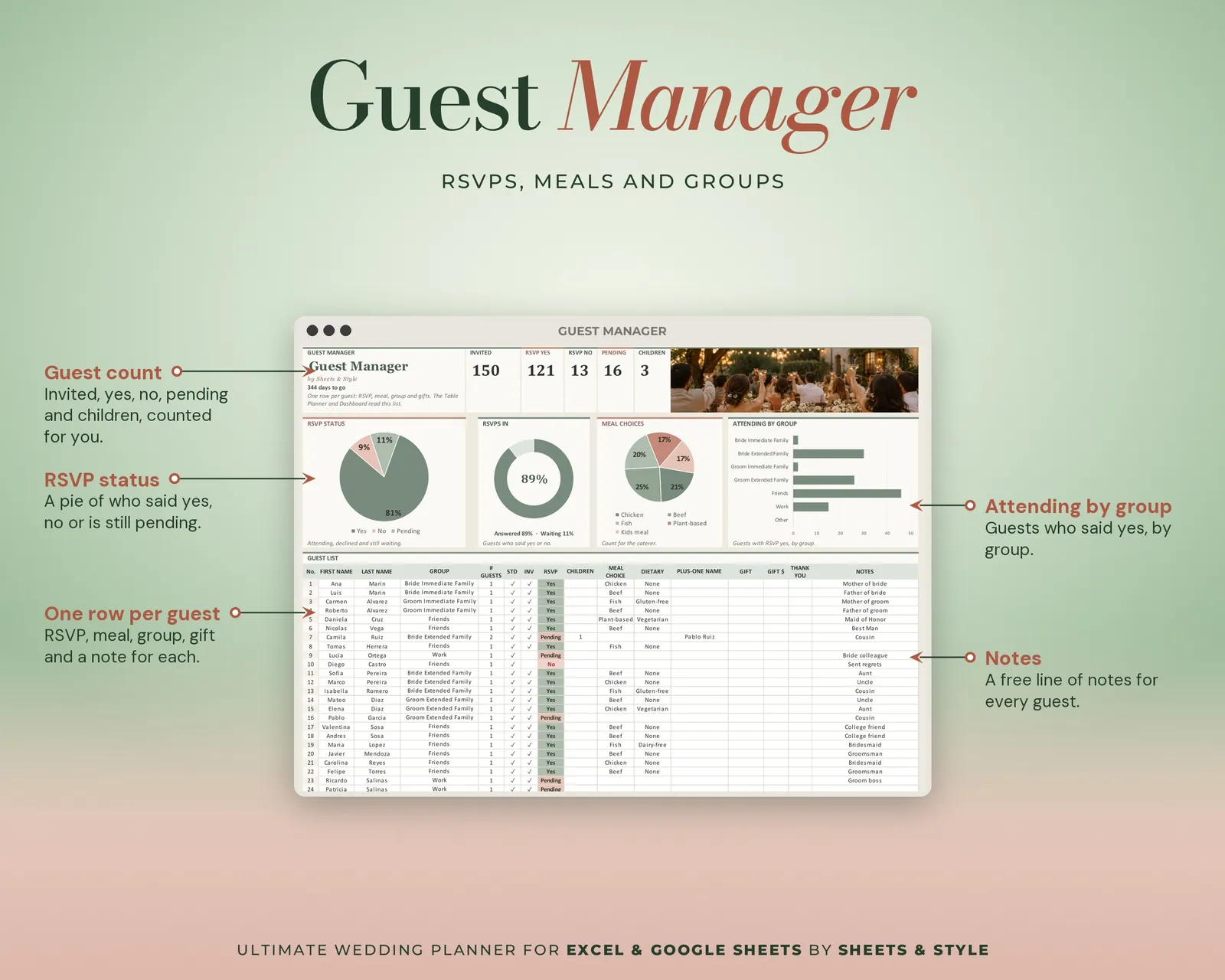
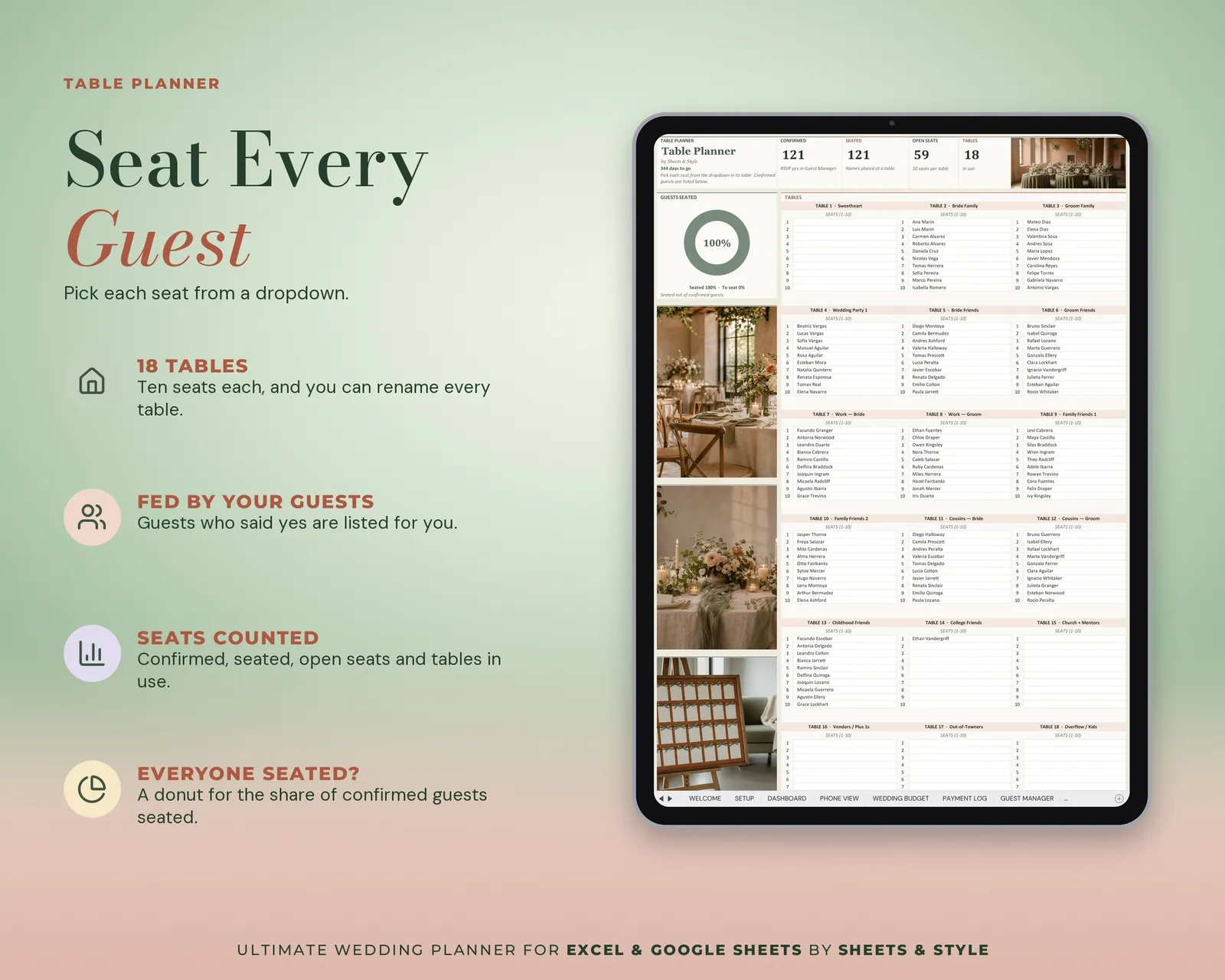
- Guests: Guest Manager (160 rows with RSVP, meal and group dropdowns), Table Planner, Full Table View, Gift Tracker
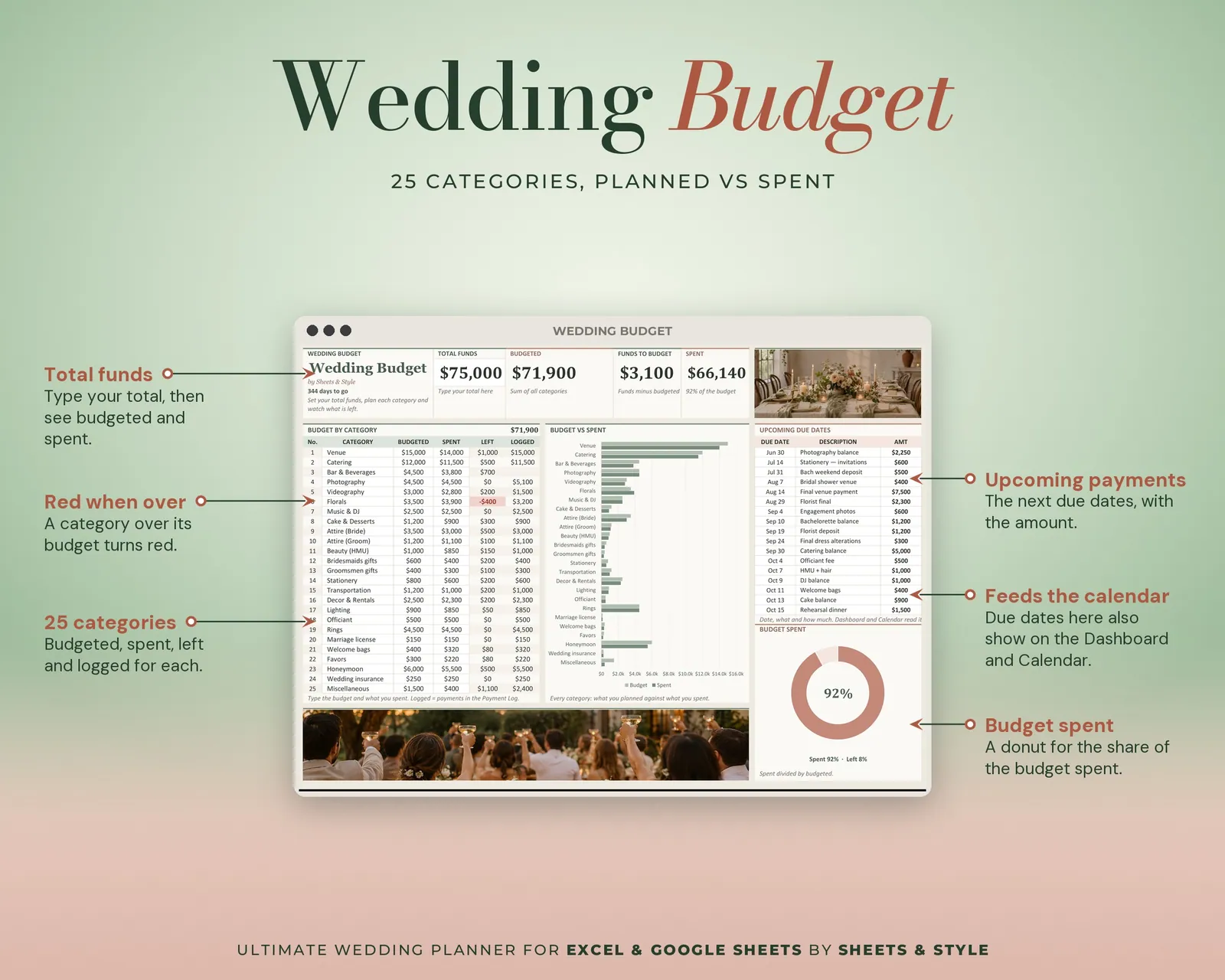
- Money: Wedding Budget by category, Payment Log for every deposit and balance
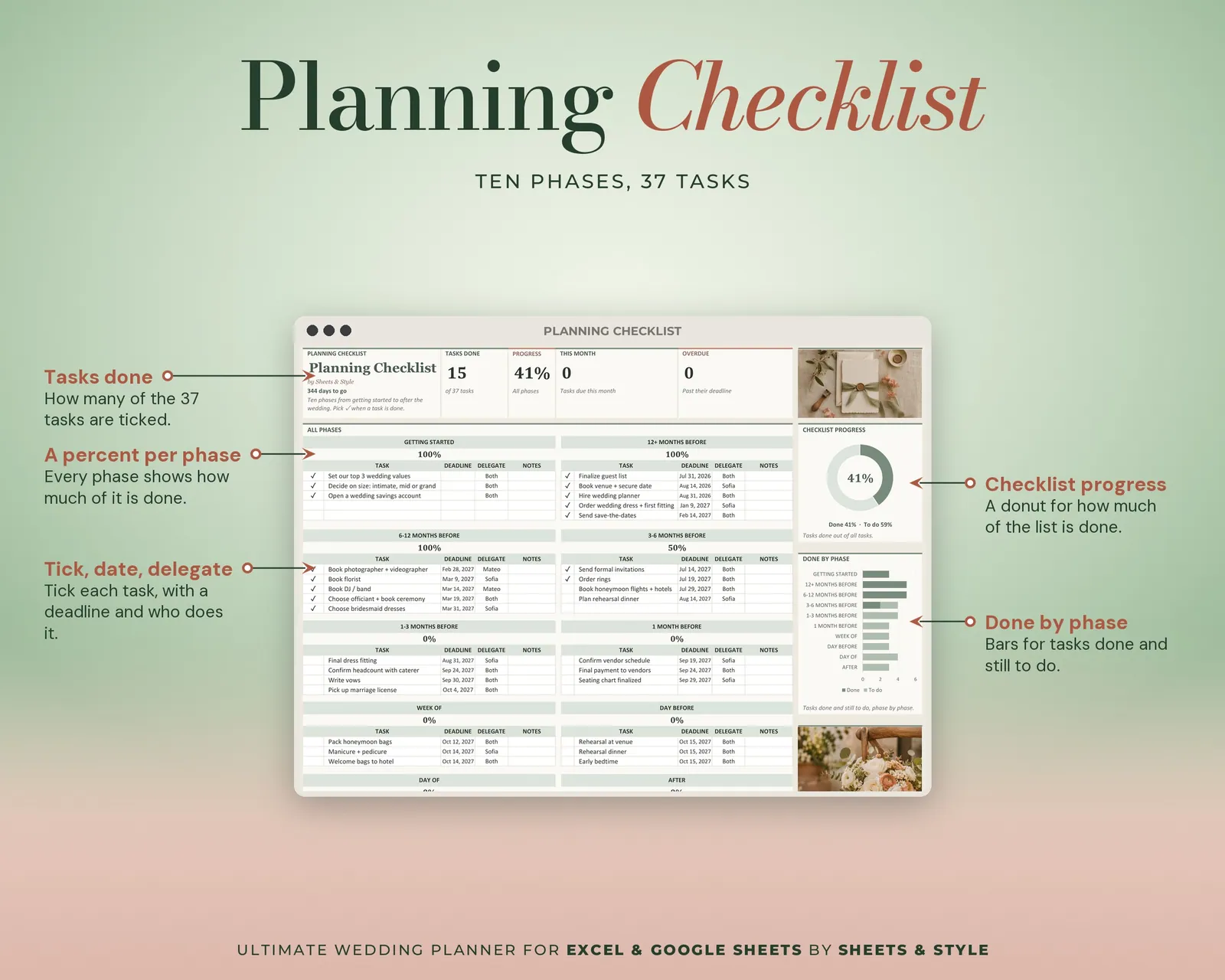
- Plan: Planning Checklist, Calendar, Next 30 Days
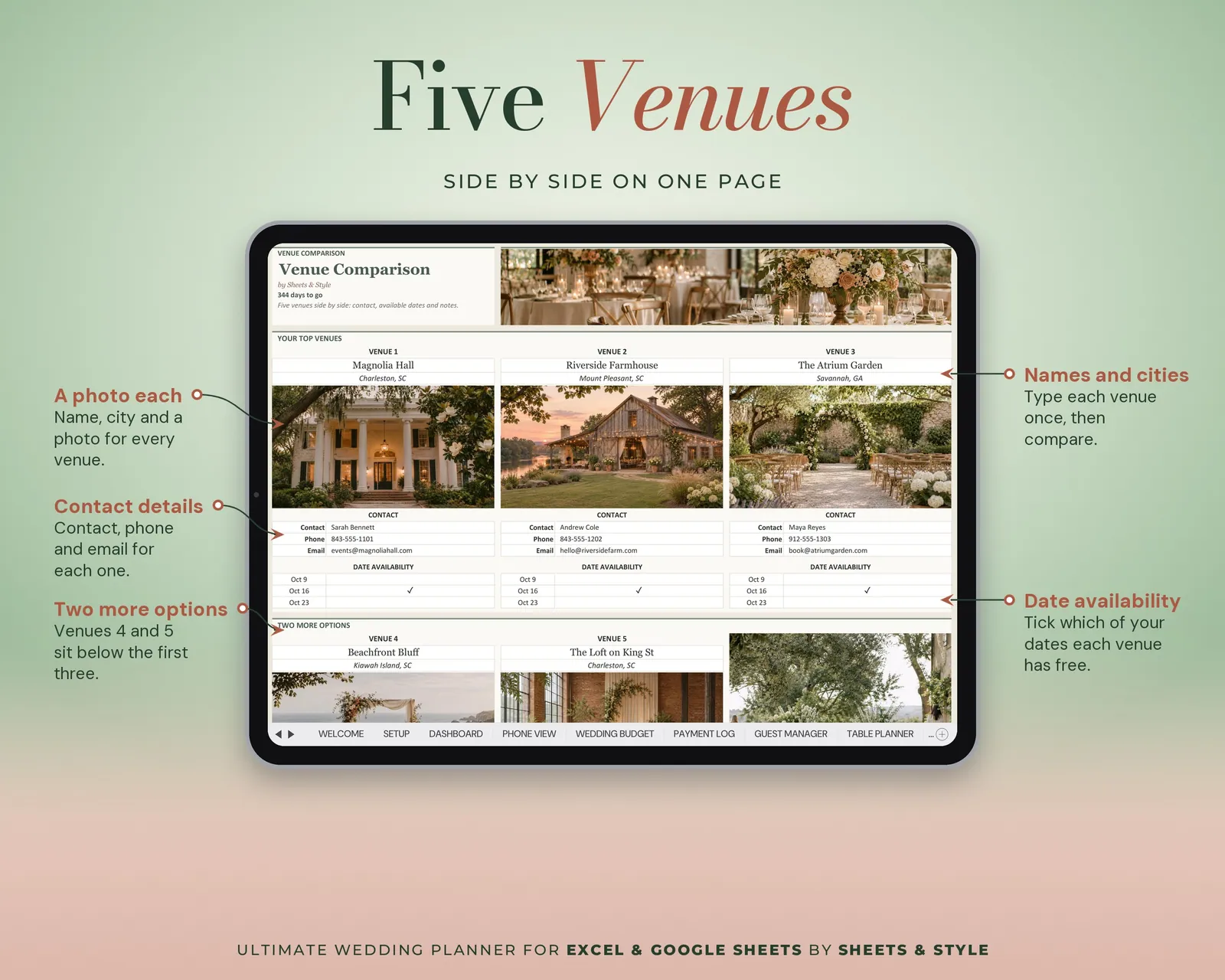
- Vendors: Vendor Research, Venue Comparison, Important Contacts
- Registry: Home registry + Cash registry
- Vows & Party: Vows & Speeches, Wedding Party, Notebook
- Pre-Events: Bachelorette budget + two day plans, Bridal Shower (guests, budget, timeline), Rehearsal (guests, timeline)
- Honeymoon: Packing list, Budget, Itinerary
- Plus Welcome and Setup to start it all.
Features
- Type your names and your date in Setup: the countdown and every tab wake up around them
- Guest Manager feeds the Table Planner: RSVPs and meals stop being two lists
- Every deposit and balance tracked, so "what do we still owe?" has an answer
- Clickable sidebar navigation on every tab
- Share the Google Sheets copy with your partner, your mum or your planner and edit together
- Filled EXAMPLE workbook + clean BLANK workbook included
- Excel AND Google Sheets versions, both in this listing
- Every formula tested before publishing
You’ll need
- Microsoft Excel 2016 or newer (desktop; Microsoft 365 not required) or a free Google account for the Google Sheets version (best if more than one person is planning).
- Desktop or laptop strongly recommended: with 34 tabs, phones are for checking, not for building.
More in Wedding