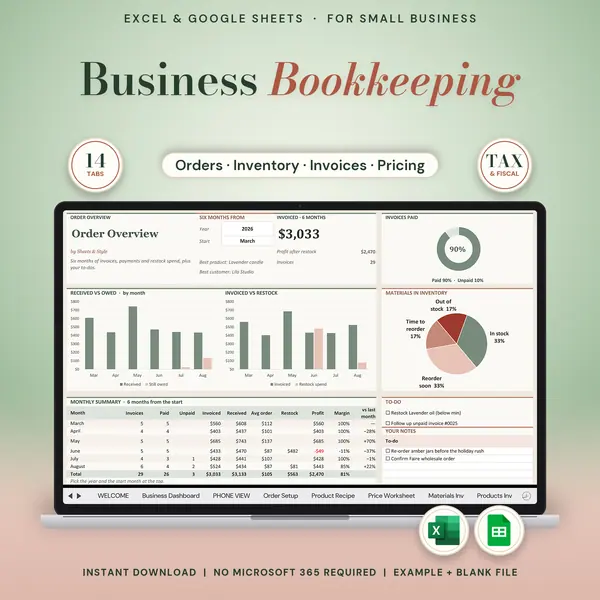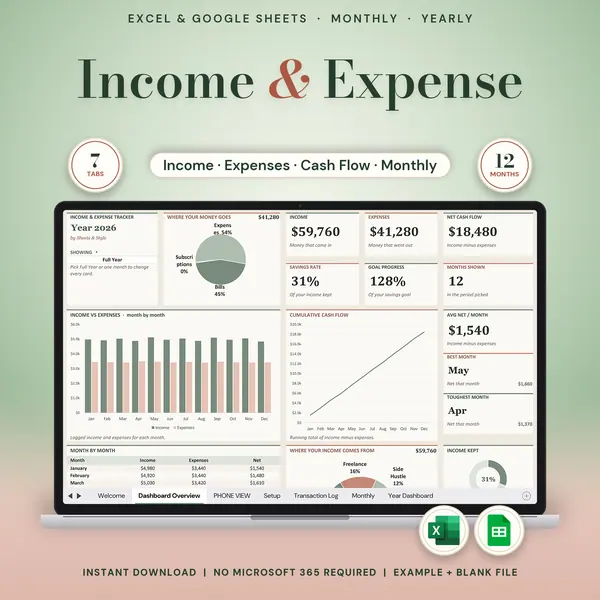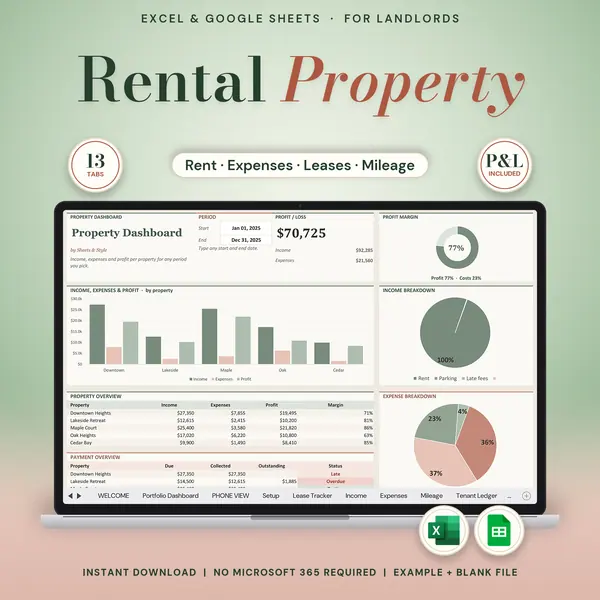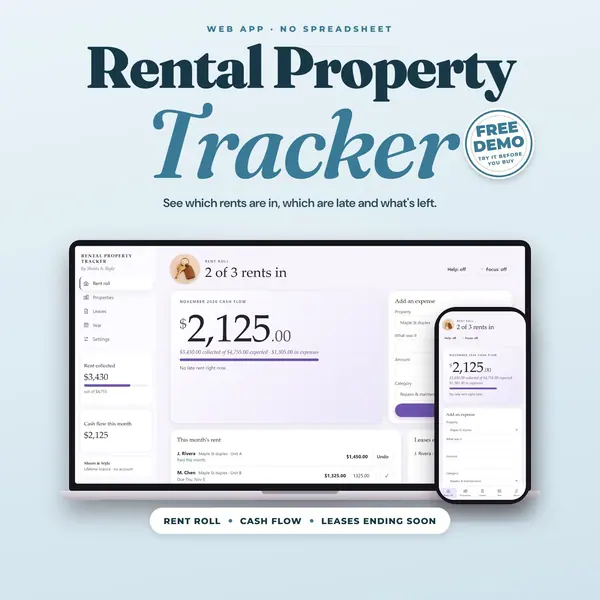
Excel + Google Sheets
Etsy Seller Bookkeeping
Etsy seller spreadsheet for Google Sheets and Excel: bookkeeping for your shop, with an income and expense tracker, your monthly statement pasted in, profit and loss reports and sales tax tracking.
Know what your shop actually earns, not just what it sells. Log your marketplace statement and your other income and expenses once, and every report calculates itself: profit by month, quarter, year, any date range and three years side by side, plus your sales tax and estimated tax all year long.
Coming to Etsy this week
Instant download on Etsy: Excel files plus a link to your own Google Sheets copy.
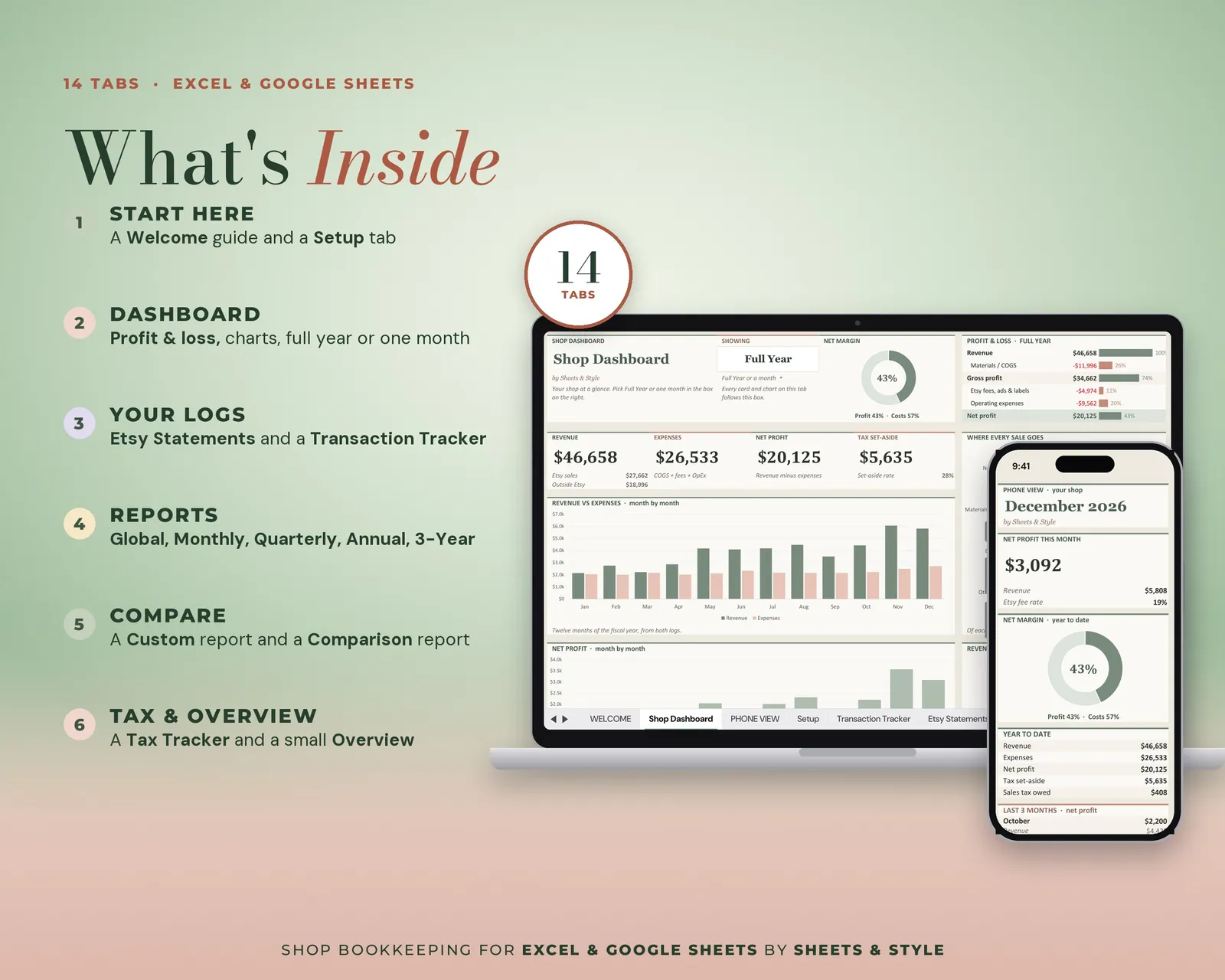
What’s inside · 13 working tabs (+ a hidden calculation tab)
- Welcome: Quick start
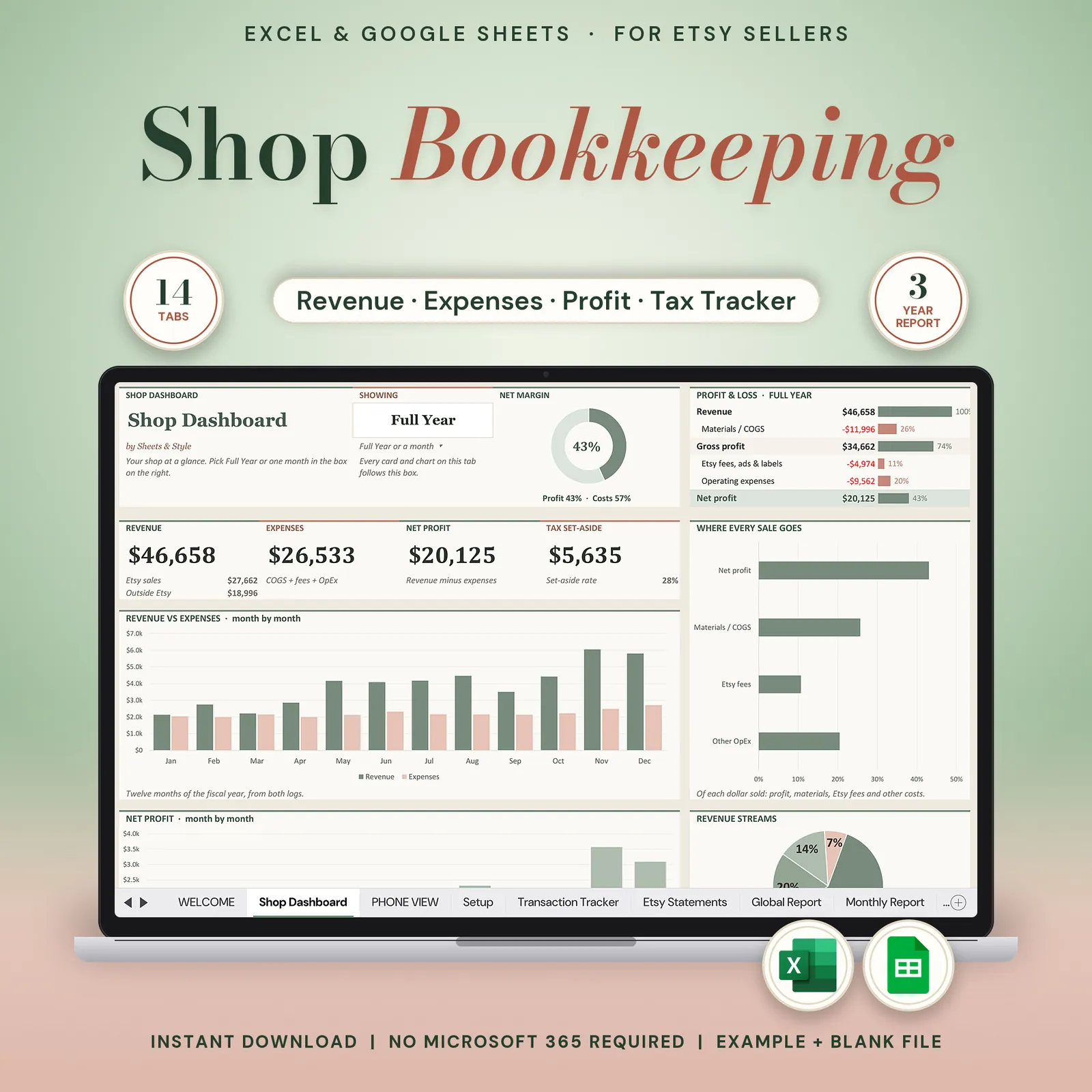
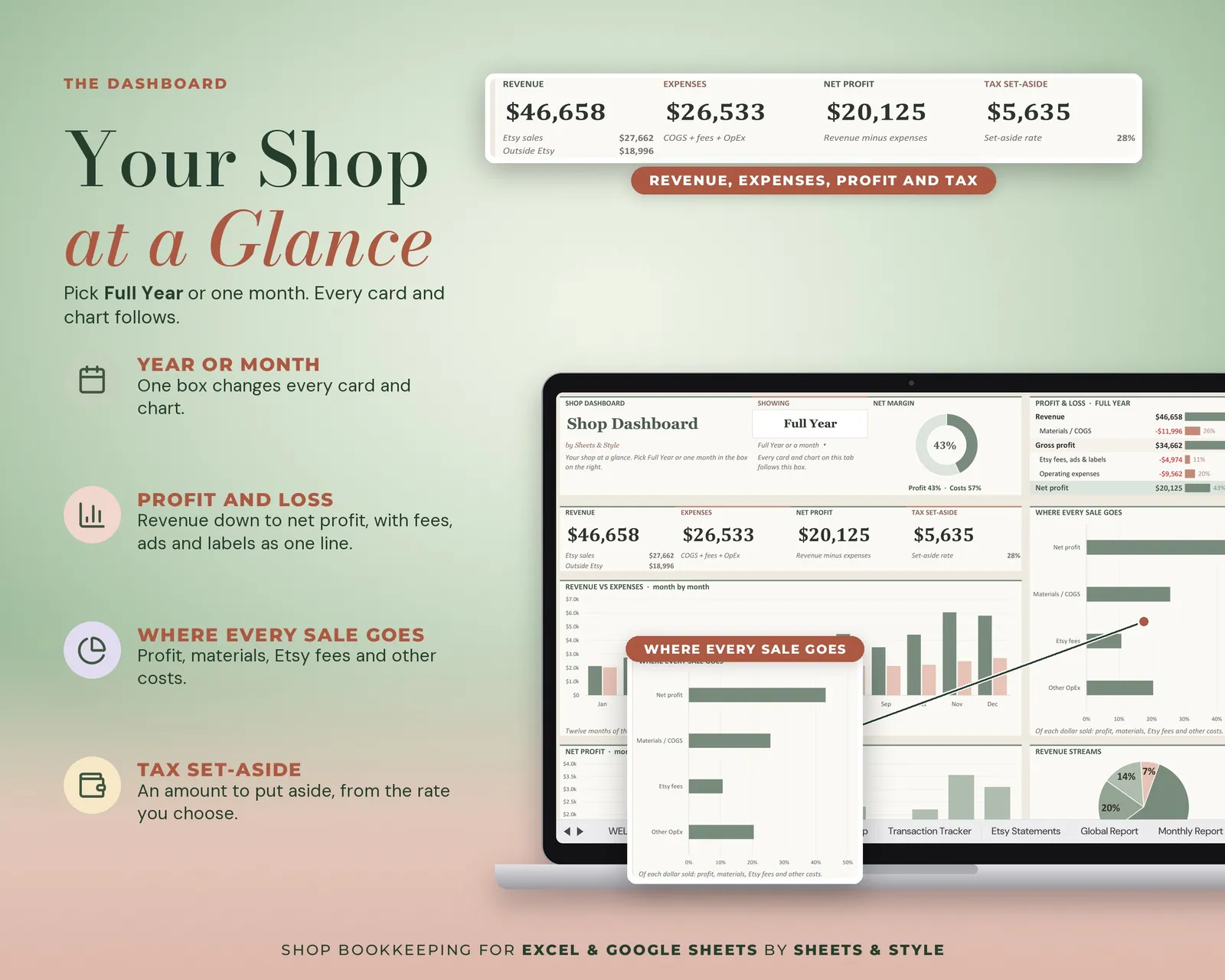
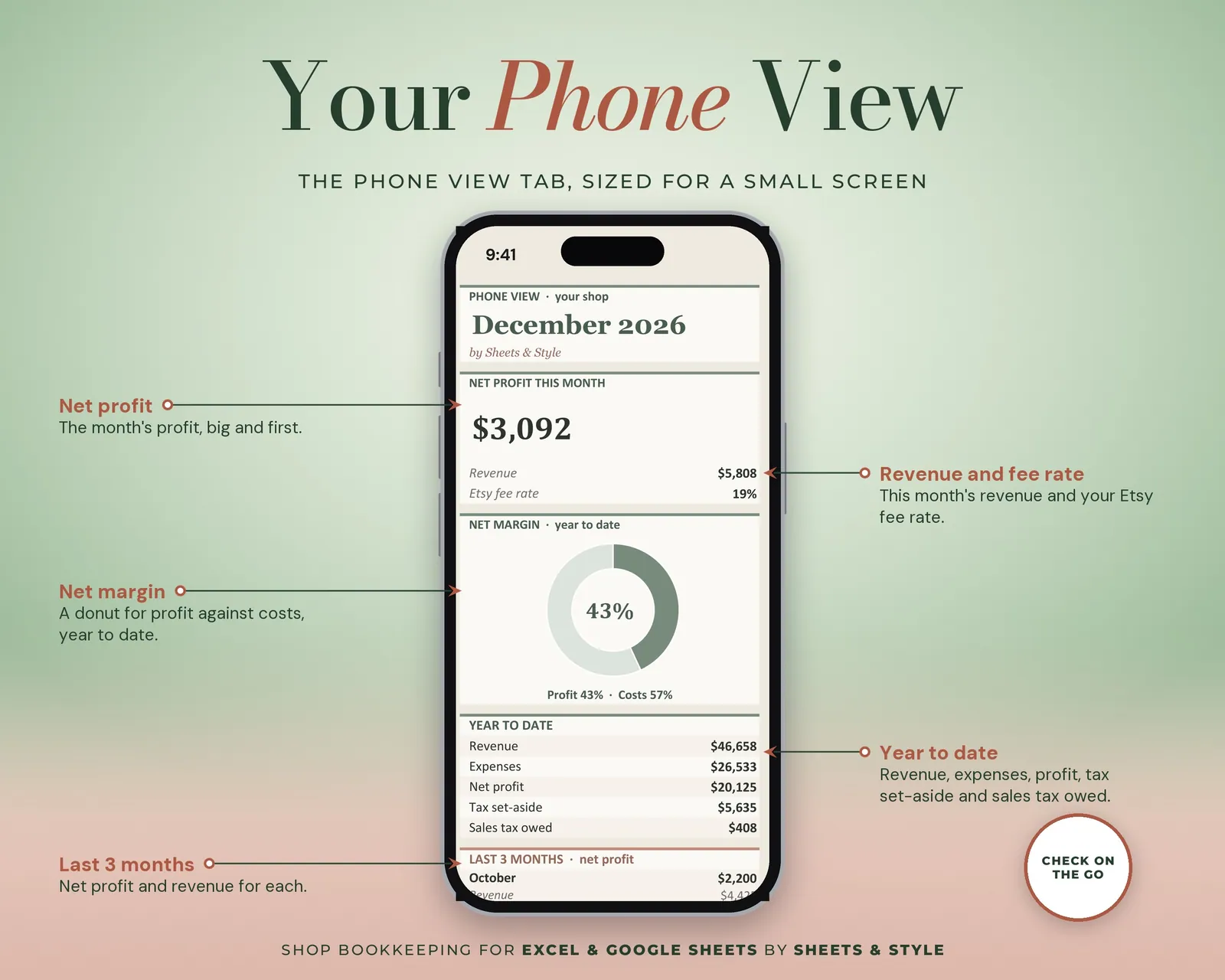
- Shop Dashboard: Your shop at a glance. Big KPI cards, revenue and expense donuts, month-by-month bars
- Setup: Shop name, fiscal year, tax rates and your own income and expense categories (each expense category marked as cost of goods or operating expense)
- Transaction Tracker: Everything outside the marketplace. Other sales channels, expenses and sales-tax payments, with dropdowns
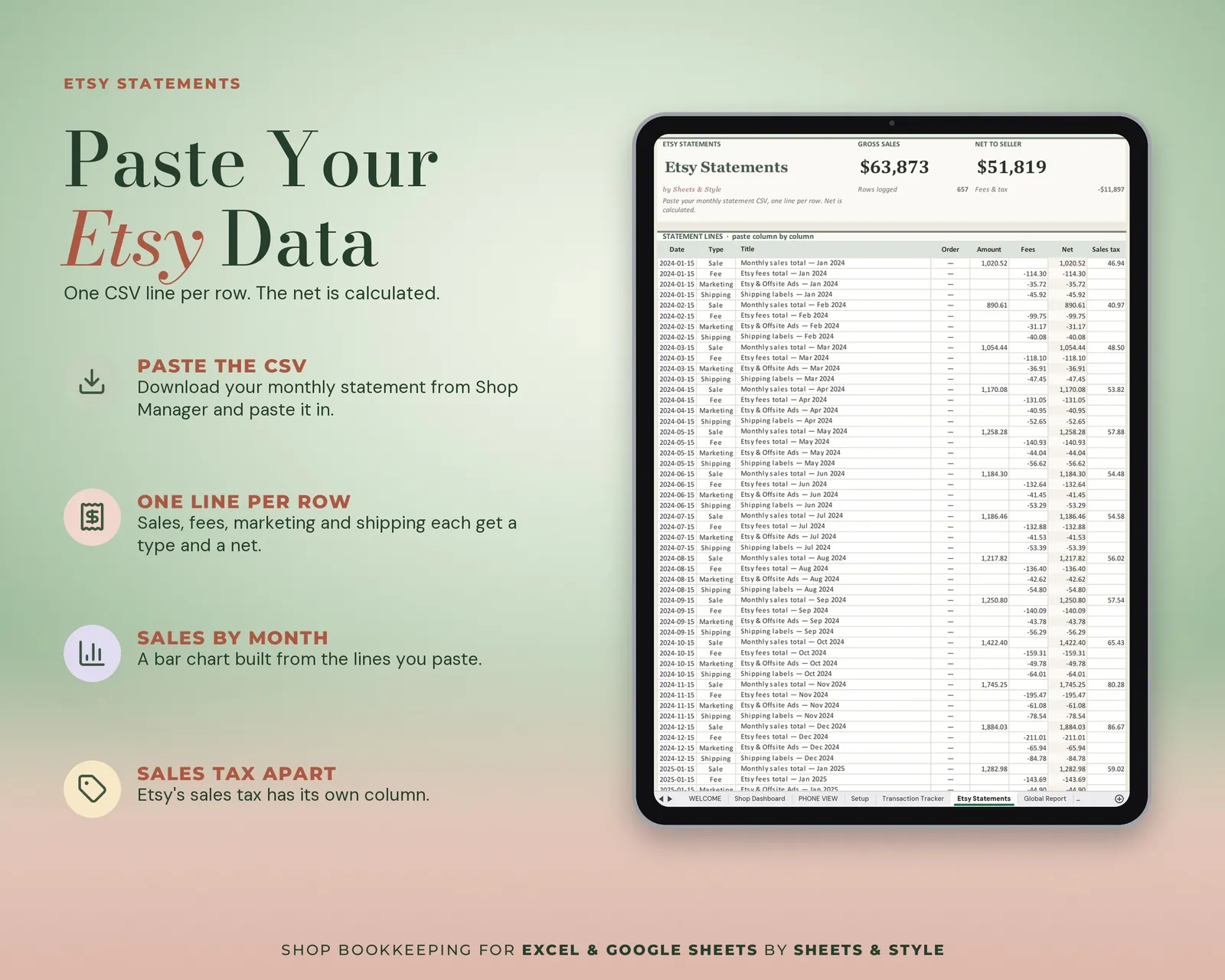
- Statements: Paste your monthly marketplace statement CSV, one row per line (room for 1,500 rows)
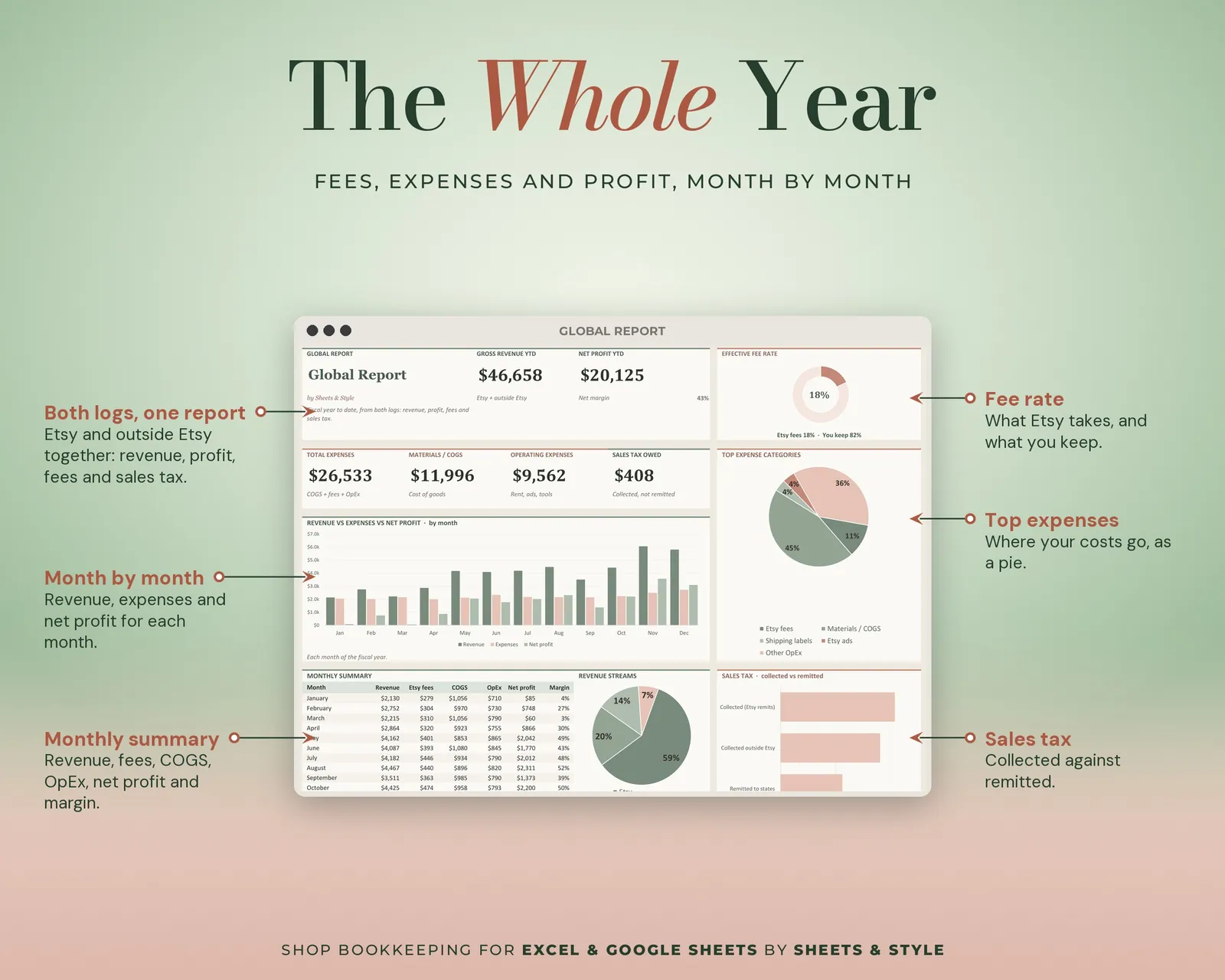
- Global Report: Year to date. Revenue, net profit, expenses, fee rate, sales tax owed, 12-month table and charts
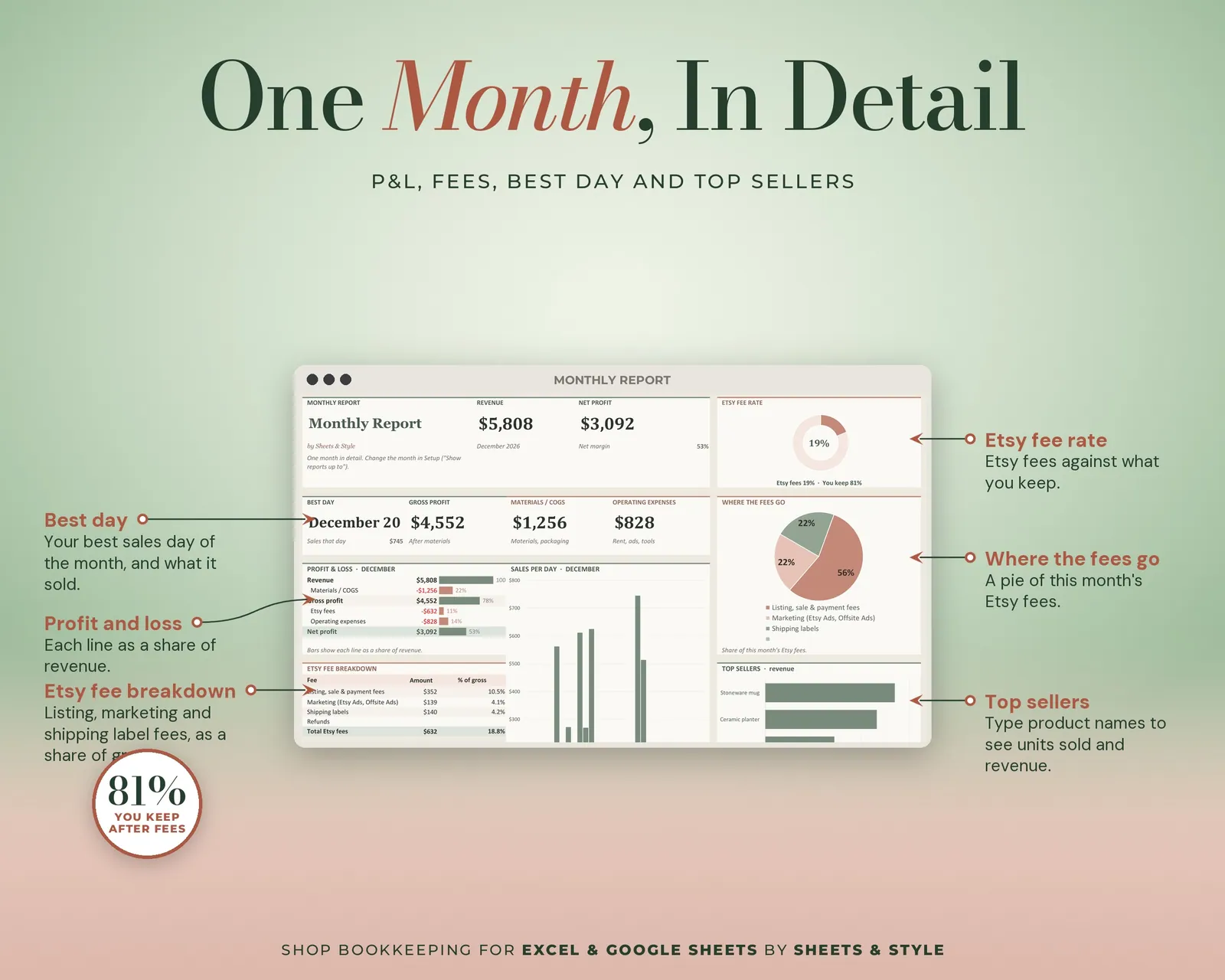
- Monthly Report: Pick a month. P&L, fee breakdown, sales per day and your top sellers by product name
- Quarterly Report: Four quarters, best quarter and the estimated tax for the current one
- Annual Report: 12 months with month-over-month change, margin trend and full-year projection
- 3-Year Report: Three fiscal years side by side, with growth on the same months
- Custom Report: Any date range you name, next to the same dates last year
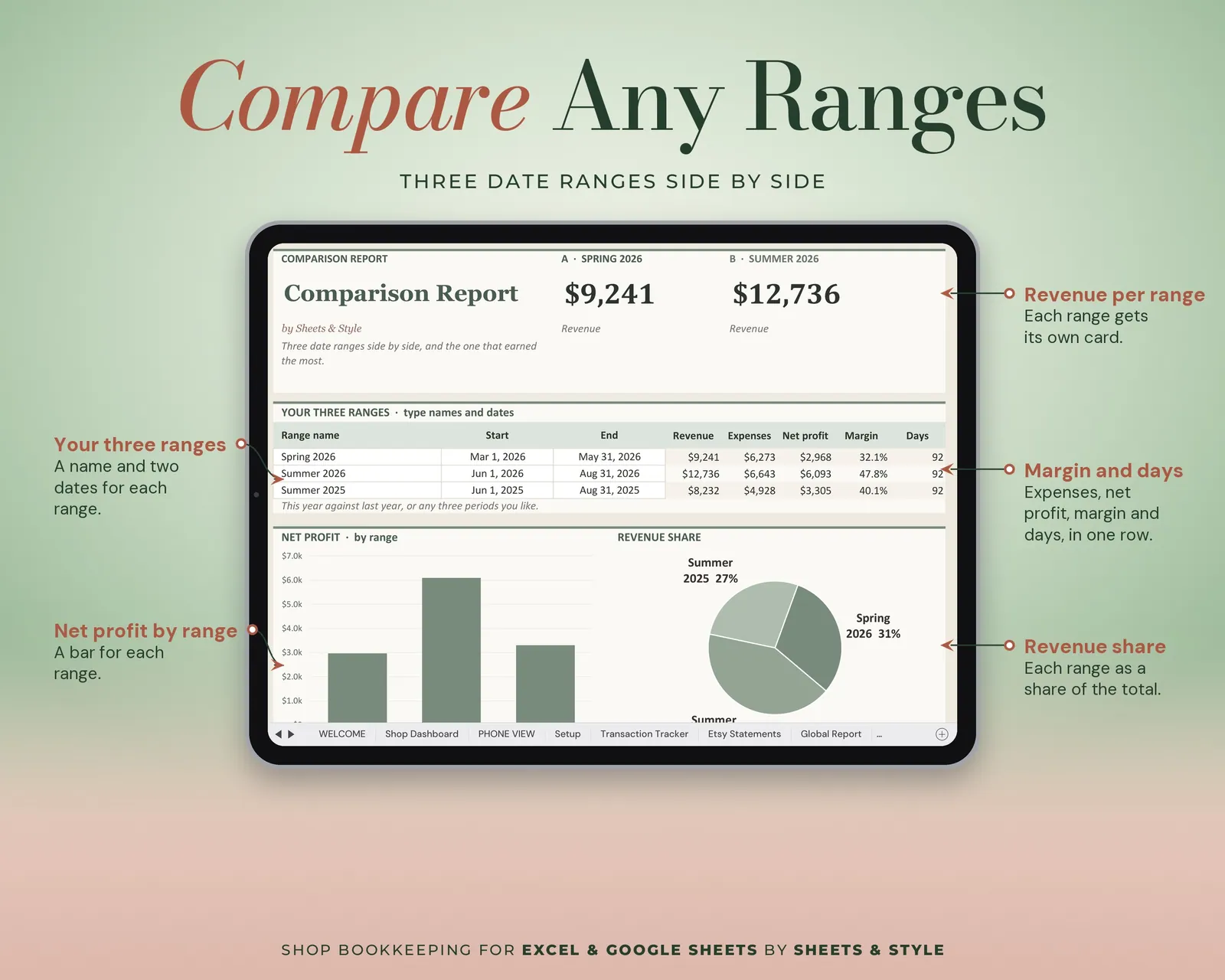
- Comparison Report: Three date ranges side by side and the winner
- Tax Tracker: Sales tax collected vs paid, quarterly estimates, set-aside amount and a Schedule C line summary
- (The blank file also has an EXAMPLE tab showing filled-in rows.)
Features
- Visual Shop Dashboard tab: big KPI cards (revenue, expenses, net profit, net margin, tax set-aside), donut and bar charts that update from your entries; pick a month or the full year to filter
- Every report is calculated from your two logs with formulas: nothing to re-enter, nothing typed into the reports
- Paste your statement CSV column by column instead of typing every line
- Fiscal year and "as of" month in Setup: change them and every report follows
- Profit, margins, fee rate, COGS vs operating expenses: all automatic
- Estimated quarterly tax and self-employment tax from the rates you set (educational, not tax advice)
- Excel AND Google Sheets versions, both in this listing
- Opened in desktop Excel and Google Sheets with zero formula errors before publishing
- Amounts show a $ sign; the numbers work for any currency
You’ll need
- Microsoft Excel 2016 or newer (desktop; Microsoft 365 not required) or a free Google account for the Google Sheets version.
- Best on desktop or laptop.
More in Small Business